> ## Documentation Index
> Fetch the complete documentation index at: https://docs.chift.eu/llms.txt
> Use this file to discover all available pages before exploring further.
# Hyperline
# PREREQUISITES
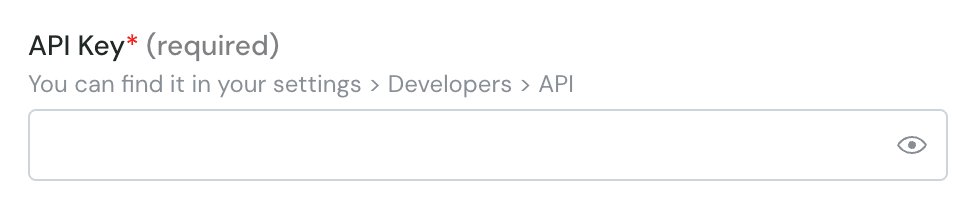
If you are requested for an API key, please generate one as requested: [https://docs.hyperline.co/api-reference/docs/authentication#how-to-generate-an-api-key](https://docs.hyperline.co/api-reference/docs/authentication#how-to-generate-an-api-key)
If it's not the case, you don't have to do anything.
# CONNEXION
**Step 1:** Choose a name for your connection.
 **Step 2:** Enter the API key (optional) - This is not always asked
 **Step 3**: Click on "Connect" or "Authorise"