> ## Documentation Index
> Fetch the complete documentation index at: https://docs.chift.eu/llms.txt
> Use this file to discover all available pages before exploring further.
# Factomos
# CONNEXION
**Step 1:** Choose a name for your connection.
 **Step 2:** Click "Authorise" to finalise the connection.
 # AUTHENTIFICATION
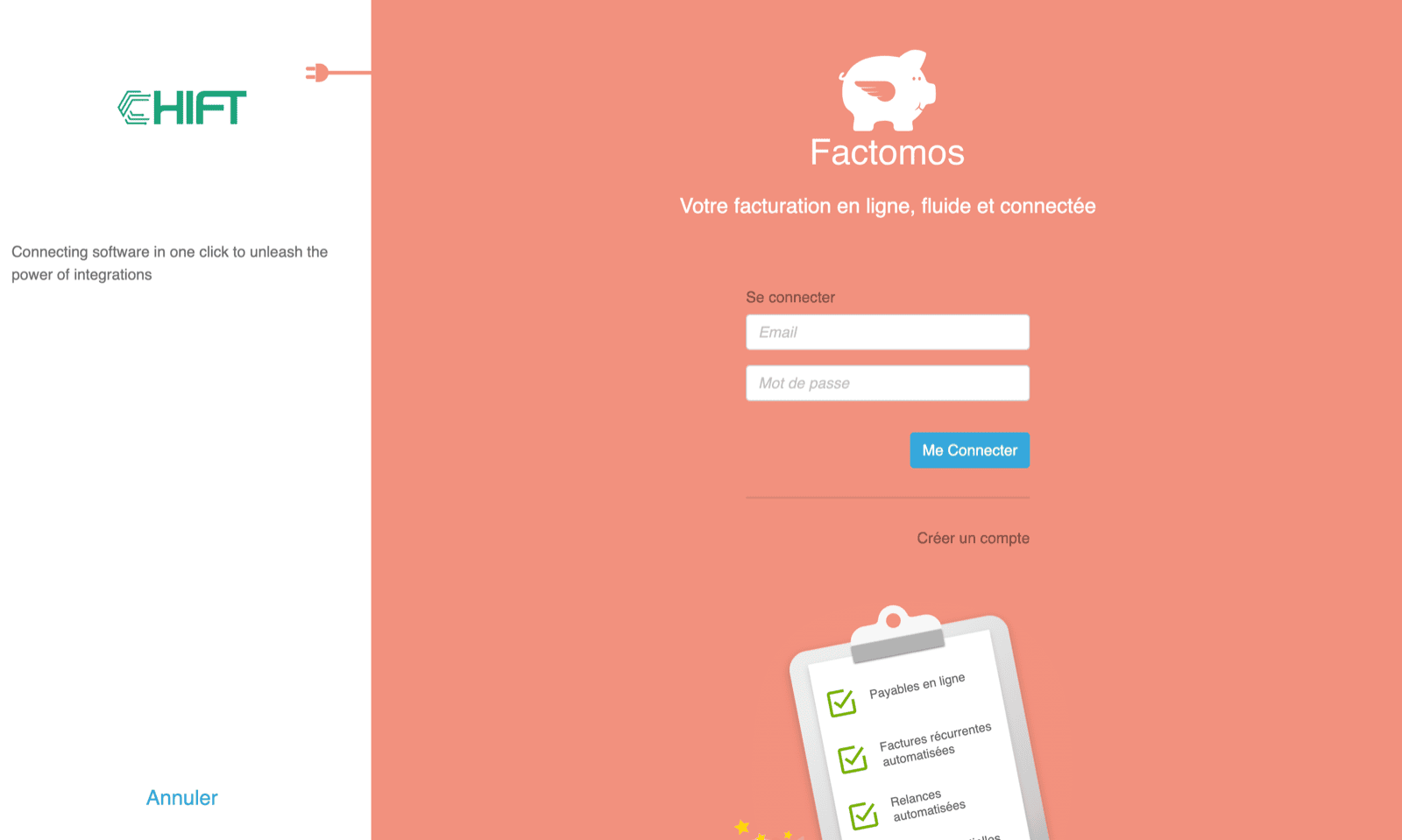
You will be redirected to a Factomos login page to authenticate yourself.
# AUTHENTIFICATION
You will be redirected to a Factomos login page to authenticate yourself.
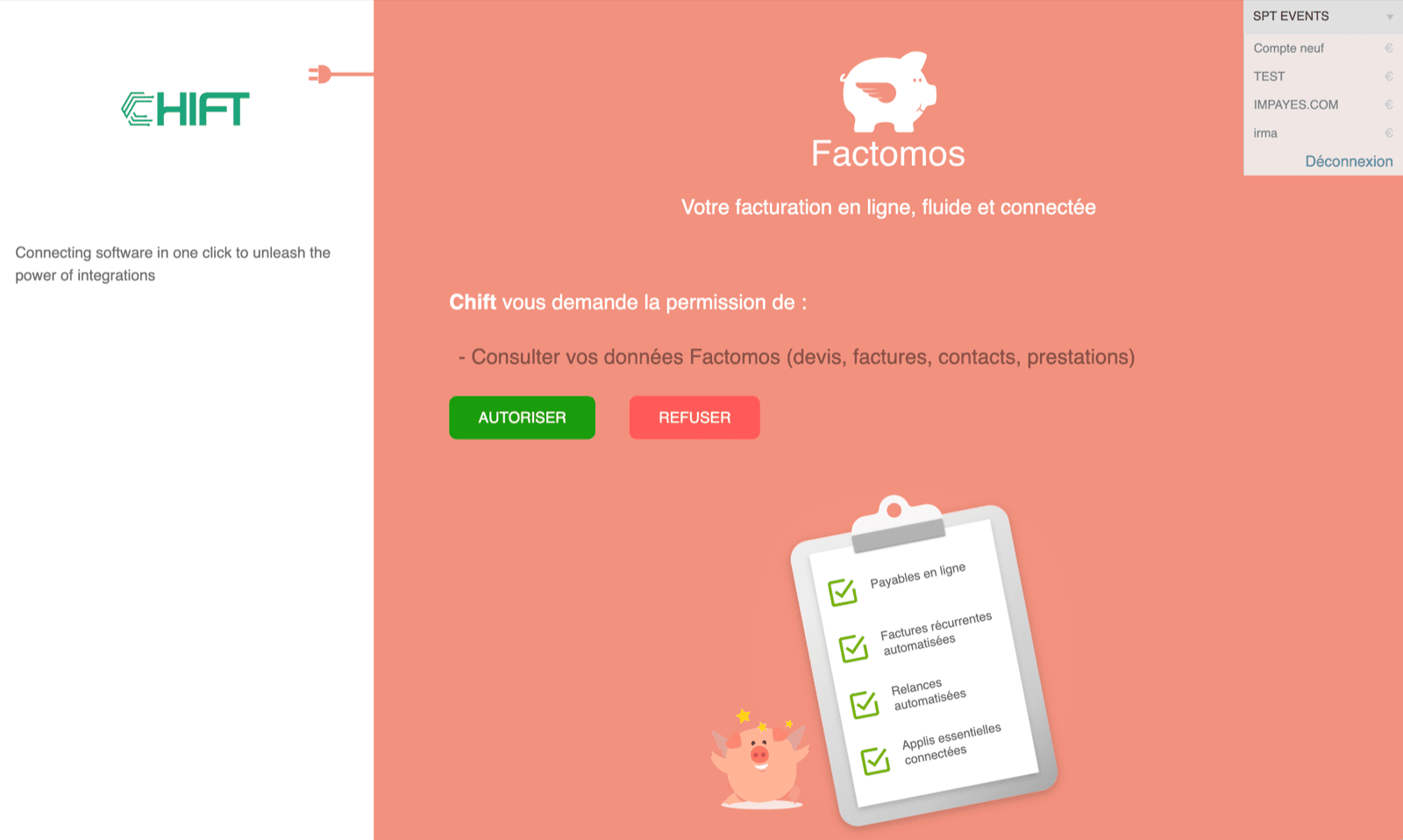
 To enable the connection, you will have to authorise Chift to consult your data on Factomos data and select the company on the top right menu, which you want to create the connection for.