> ## Documentation Index
> Fetch the complete documentation index at: https://docs.chift.eu/llms.txt
> Use this file to discover all available pages before exploring further.
# Dolibarr
# PREREQUISITES
1. Make sure to enable at least the following modules:
1. Third parties
2. Invoices
3. Products
4. Vendors
5. API / Web Services (REST SERVER) (to be able to enable the API)
This can be managed through Home > Setup > Modules/Applications.
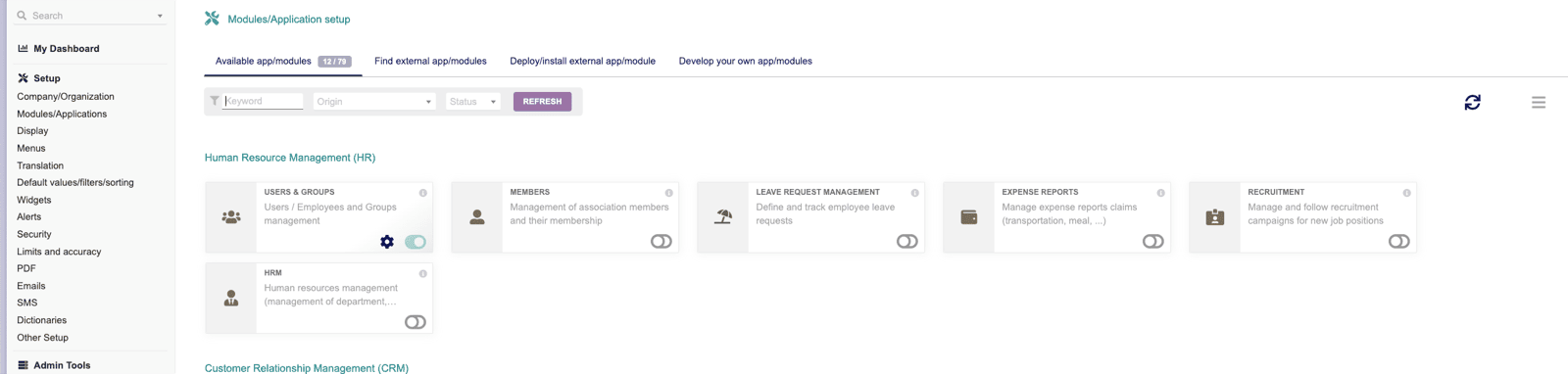 You might need as well Projects if needed by your use case.
2. To create the API key:
1. you need to go to Home > Users & Group > edit your user > click on Modify
2. On Key for API click to generate a key (copy it for later usage)
You might need as well Projects if needed by your use case.
2. To create the API key:
1. you need to go to Home > Users & Group > edit your user > click on Modify
2. On Key for API click to generate a key (copy it for later usage)
 3. If you are not using Dolibarr cloud, make sure that your API is reachable from external sources.
# CONNEXION
**Step 1:** Choose a name for your connection.
3. If you are not using Dolibarr cloud, make sure that your API is reachable from external sources.
# CONNEXION
**Step 1:** Choose a name for your connection.
 **Step 2:** Enter the url of your instance (if using the cloud it will end with [dolicloud.com](http://dolicloud.com))
 **Step 3:** Select whether you have the multicompany module. This module needs to be enabled as well to work correctly.
 **Step 4:** Use the API key you generated previously
