> ## Documentation Index
> Fetch the complete documentation index at: https://docs.chift.eu/llms.txt
> Use this file to discover all available pages before exploring further.
# Digiforma
# **PREPARATION**
The information you need to configure the connection can be found directly from your Digiforma's account:
1. Go to your integrations page and select GraphQL ([https://app.digiforma.com/academy/interconnection/graphql](https://app.digiforma.com/academy/interconnection/graphql))
2. Copy your active token
# CONNECTION
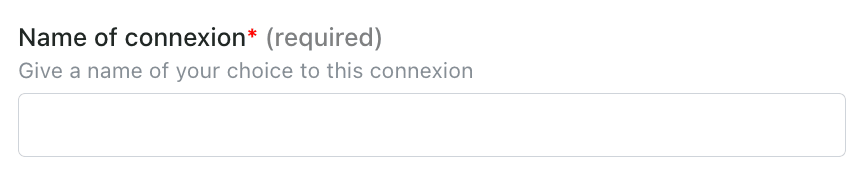
**Step 1:** Choose a name for your connection.
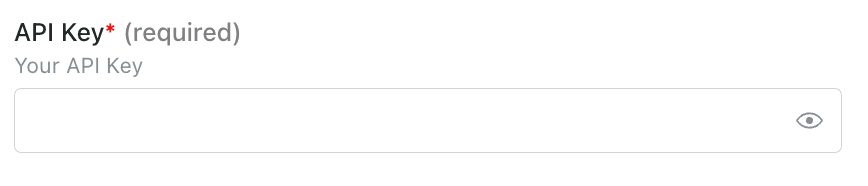
 **Step 2:** Enter your API key, which you previously found on your account.
 **Step 3:** Click "Connect" to finalise the connection.