> ## Documentation Index
> Fetch the complete documentation index at: https://docs.chift.eu/llms.txt
> Use this file to discover all available pages before exploring further.

# Chargebee

# PREPARATION

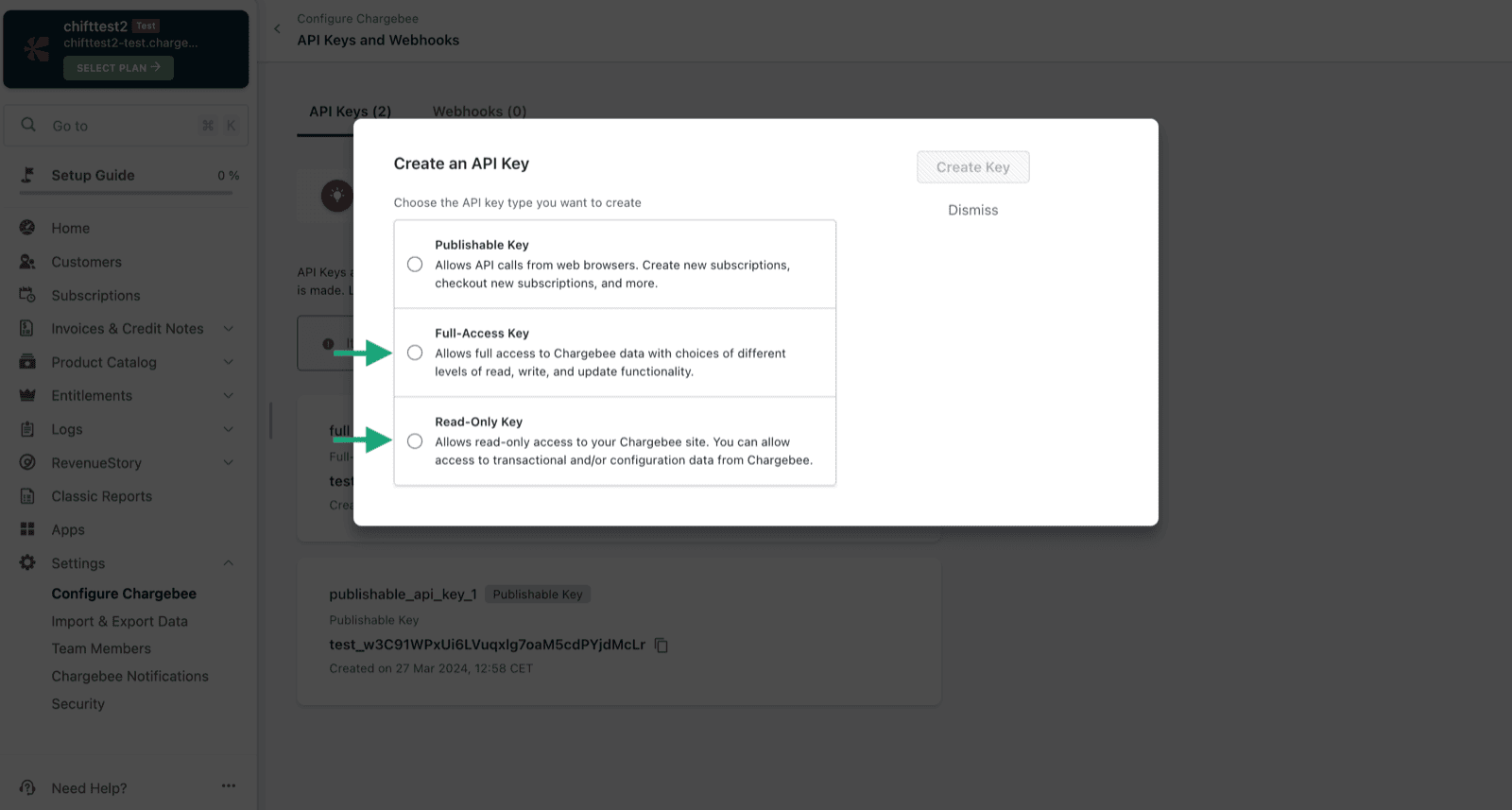
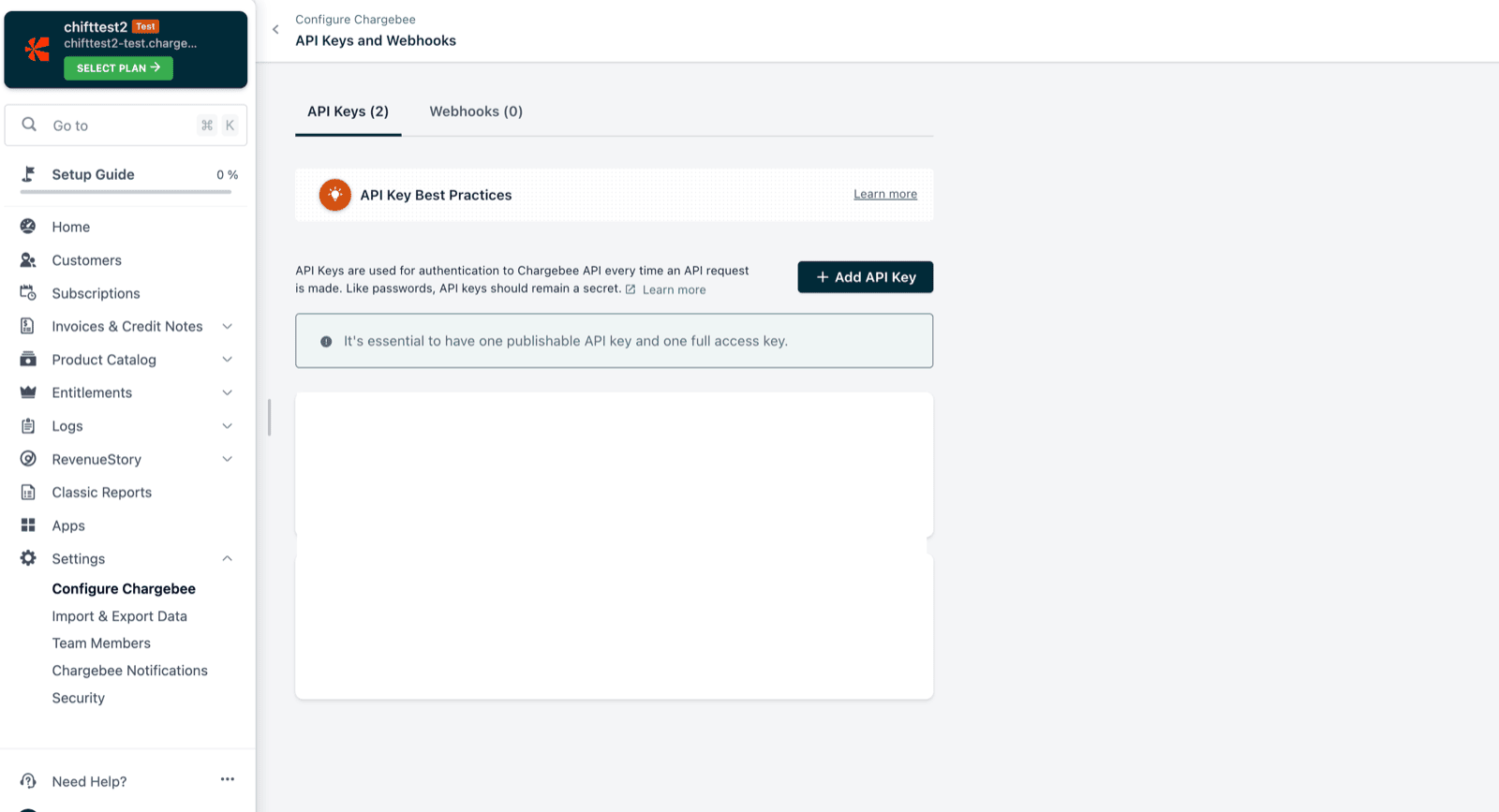
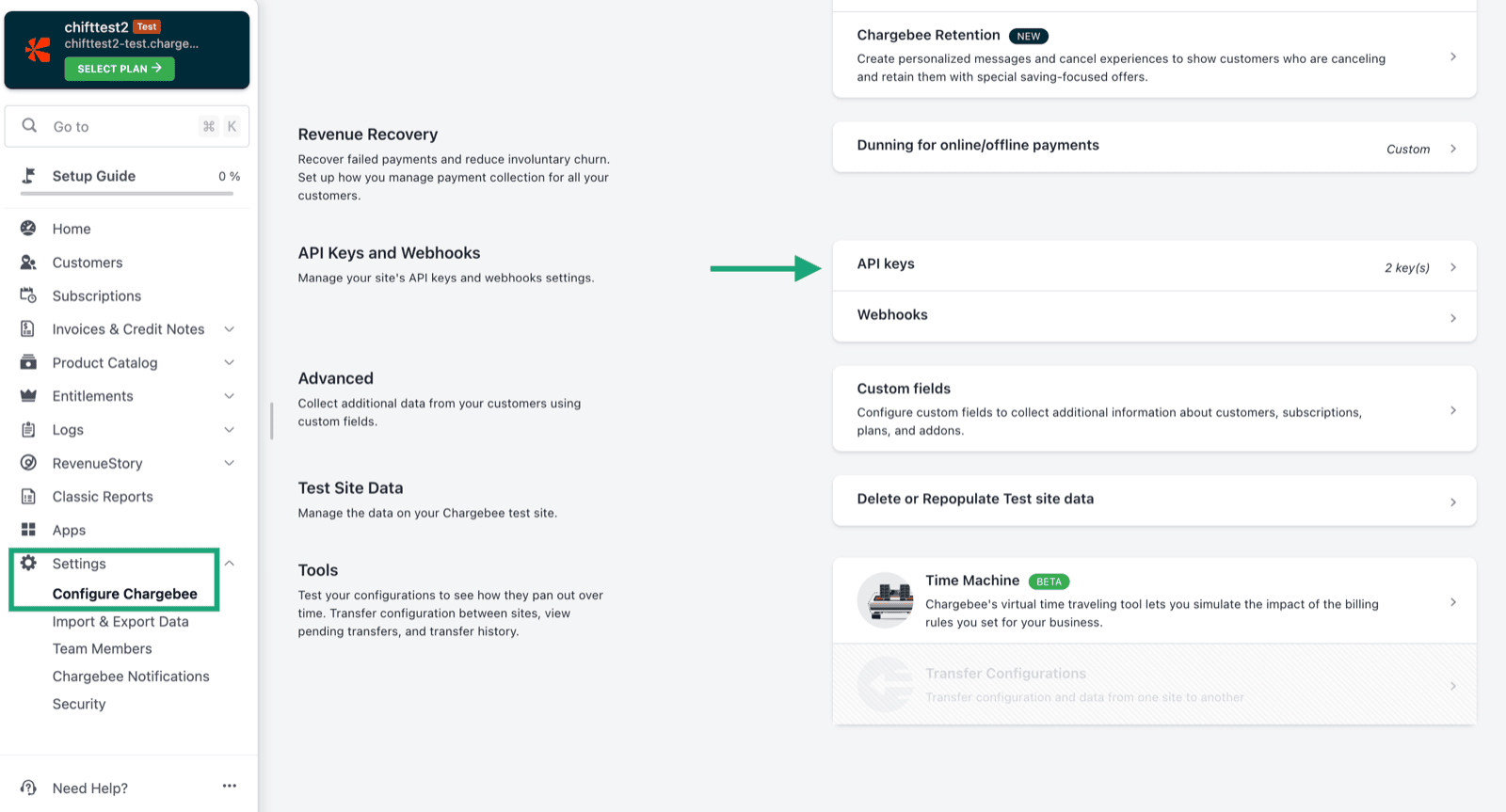
1. Generate an API key, in the settings of your Chargebee account.
<img src="https://mintcdn.com/chift/7EyK8g9fmTEnHC7W/images/help/chargebee/chargebee-1.png?fit=max&auto=format&n=7EyK8g9fmTEnHC7W&q=85&s=36db1ae430fe9a883affa9a40c0d251c" alt="" width="1600" height="863" data-path="images/help/chargebee/chargebee-1.png" />

Choose between option 2 or 3.

<img src="https://mintcdn.com/chift/7EyK8g9fmTEnHC7W/images/help/chargebee/chargebee-2.png?fit=max&auto=format&n=7EyK8g9fmTEnHC7W&q=85&s=1299da7c13f9371ed28adc910c118fec" alt="" width="1600" height="857" data-path="images/help/chargebee/chargebee-2.png" />

<img src="https://mintcdn.com/chift/7EyK8g9fmTEnHC7W/images/help/chargebee/chargebee-3.png?fit=max&auto=format&n=7EyK8g9fmTEnHC7W&q=85&s=0774f67430dff2c7fa1ff27971ca72f8" alt="" width="1600" height="867" data-path="images/help/chargebee/chargebee-3.png" />

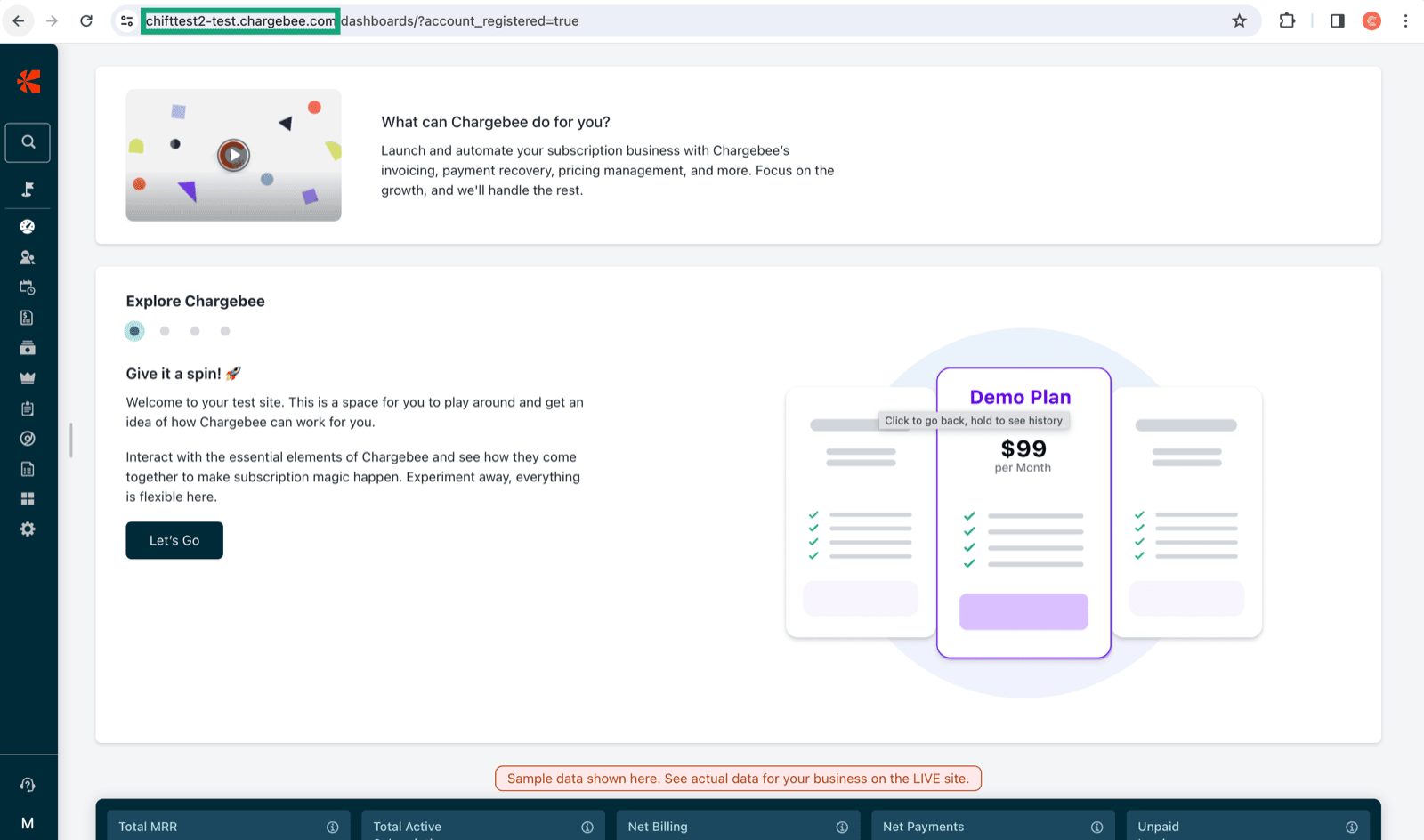
2. Copy your Chargebee account url (highlighted in green).
<img src="https://mintcdn.com/chift/7EyK8g9fmTEnHC7W/images/help/chargebee/chargebee-4.png?fit=max&auto=format&n=7EyK8g9fmTEnHC7W&q=85&s=02fdd827c6d8e936645c9842f0708183" alt="" width="1600" height="944" data-path="images/help/chargebee/chargebee-4.png" />

# CONNEXION

**Step 1:** Choose a name for your connection.

<img src="https://mintcdn.com/chift/7EyK8g9fmTEnHC7W/images/help/chargebee/chargebee-5.png?fit=max&auto=format&n=7EyK8g9fmTEnHC7W&q=85&s=6c0beac6ec762f5219852c227b4e166a" alt="" width="592" height="110" data-path="images/help/chargebee/chargebee-5.png" />

**Step 2:** Provide your account URL.

<img src="https://mintcdn.com/chift/7EyK8g9fmTEnHC7W/images/help/chargebee/chargebee-6.png?fit=max&auto=format&n=7EyK8g9fmTEnHC7W&q=85&s=3c1032968ff478af7f5b88c545f34b77" alt="" width="584" height="106" data-path="images/help/chargebee/chargebee-6.png" />

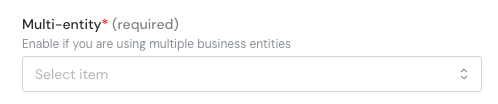
**Step 3**: Multi-entity. If you have multiple entities on Chargebee and you want to select one, please select yes.
<img src="https://mintcdn.com/chift/7EyK8g9fmTEnHC7W/images/help/chargebee/chargebee-7.png?fit=max&auto=format&n=7EyK8g9fmTEnHC7W&q=85&s=c51ffdffbfa94f9552079e563a87d516" alt="image.png" width="498" height="104" data-path="images/help/chargebee/chargebee-7.png" />

**Step 4:** Provide the API Key generated on your account.

<img src="https://mintcdn.com/chift/7EyK8g9fmTEnHC7W/images/help/chargebee/chargebee-8.png?fit=max&auto=format&n=7EyK8g9fmTEnHC7W&q=85&s=53f9f33fdc0cbd48431b98ddb7624683" alt="" width="589" height="99" data-path="images/help/chargebee/chargebee-8.png" />

**Step 5:** Click "Connect" to finalise the connection.

<img src="https://mintcdn.com/chift/7EyK8g9fmTEnHC7W/images/help/chargebee/chargebee-9.png?fit=max&auto=format&n=7EyK8g9fmTEnHC7W&q=85&s=7e49574de1856e961d0eaa11255f82e2" alt="" width="184" height="79" data-path="images/help/chargebee/chargebee-9.png" />