> ## Documentation Index
> Fetch the complete documentation index at: https://docs.chift.eu/llms.txt
> Use this file to discover all available pages before exploring further.
# Shopify
# **PREPARATION**
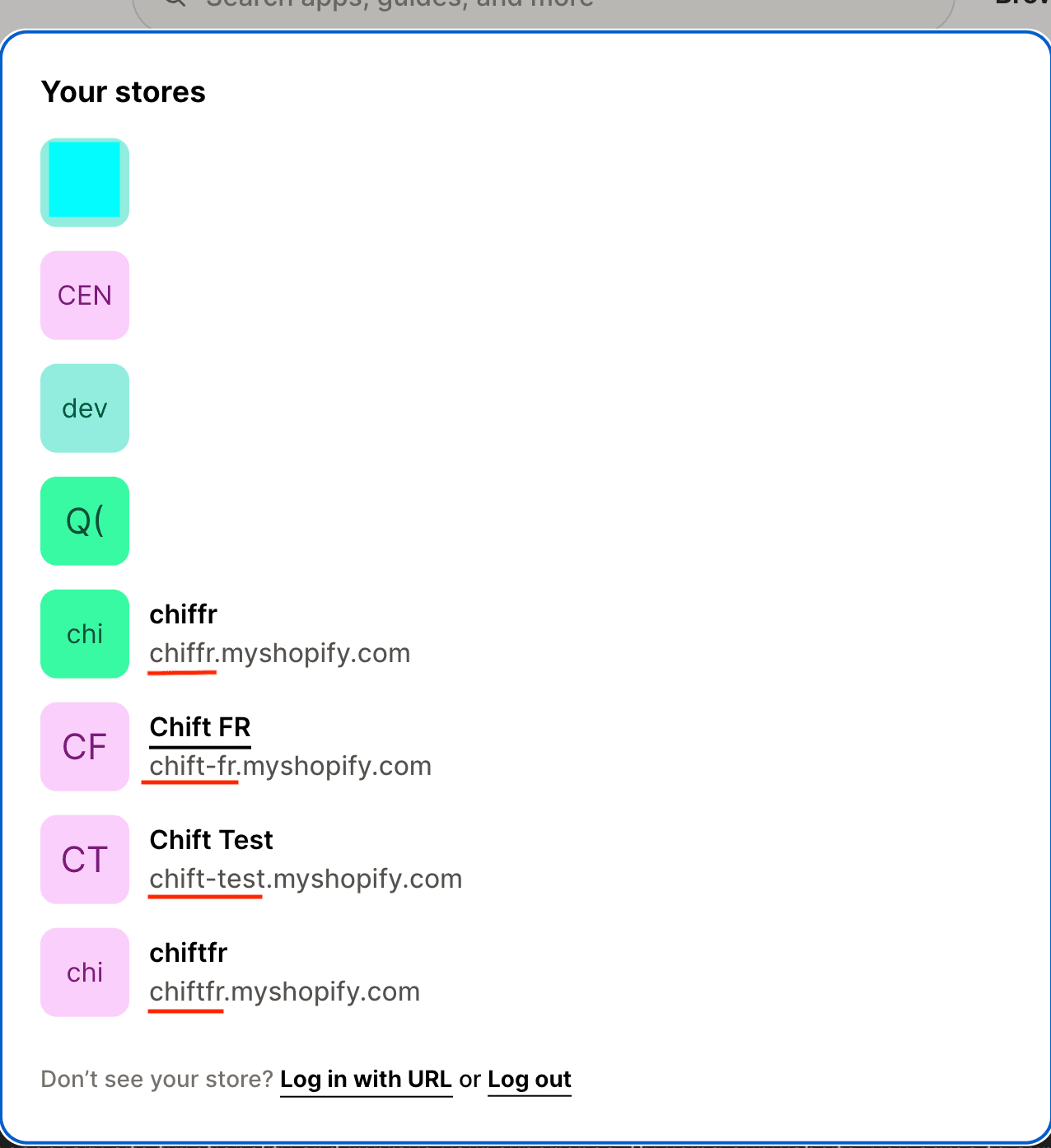
1. Identify the technical name of your "store" on Shopify
 # CONNEXION
**Step 1:** Choose a name for your connection (informative).
# CONNEXION
**Step 1:** Choose a name for your connection (informative).
 **Step 2:** Enter the technical name of your store, previously found on your account.
 **Step 3** : (**Optional**) Enter the client id / client secret of your app. If you are asked for this please move to section "**Configuration - Custom app**" below in this guide. Otherwise continue to **step 4a.**

 **Step 4a:** Click "Authorise" to finalise the connection.
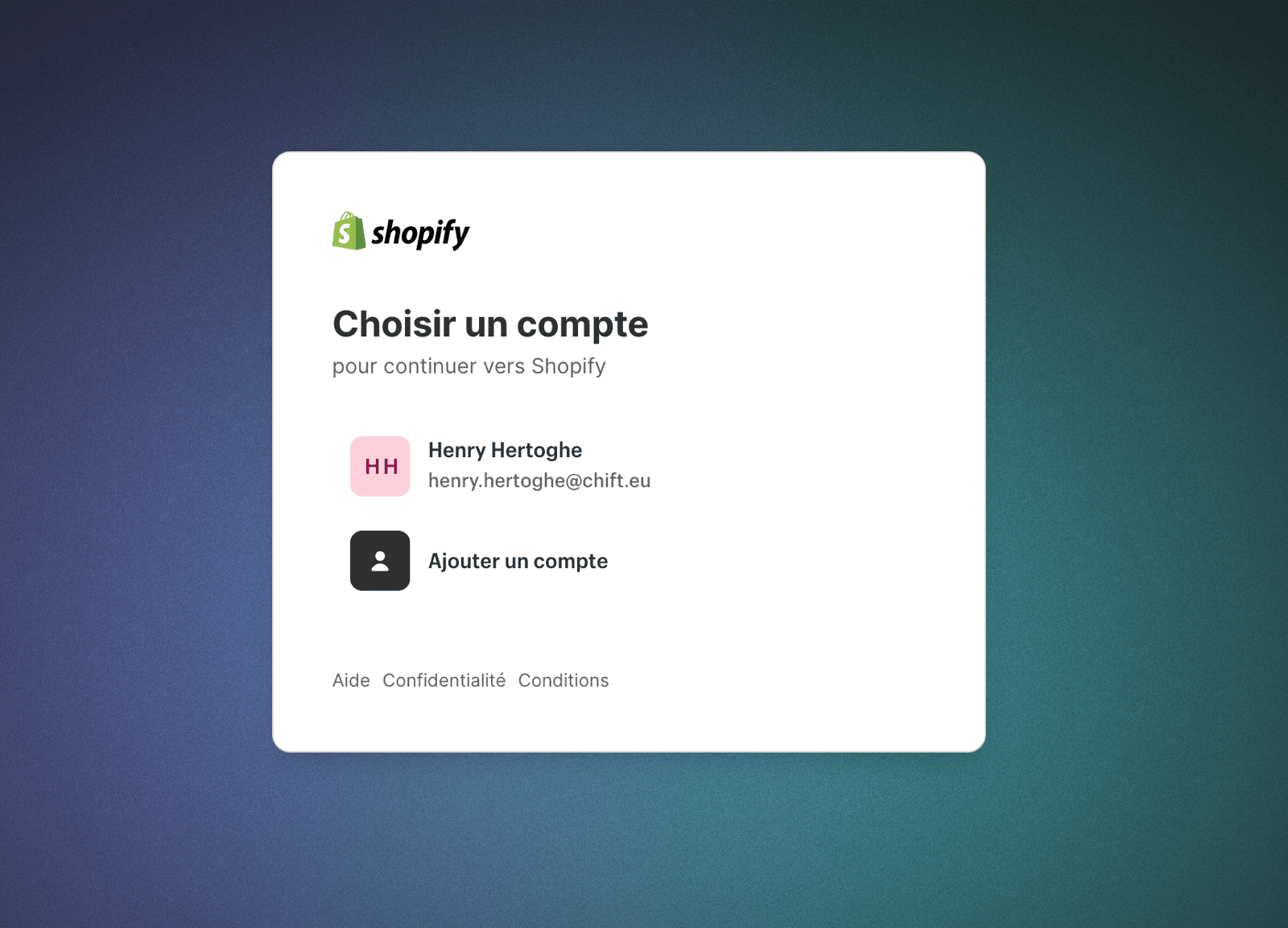
 **Step 5a:** Choose your Shopify store to connect
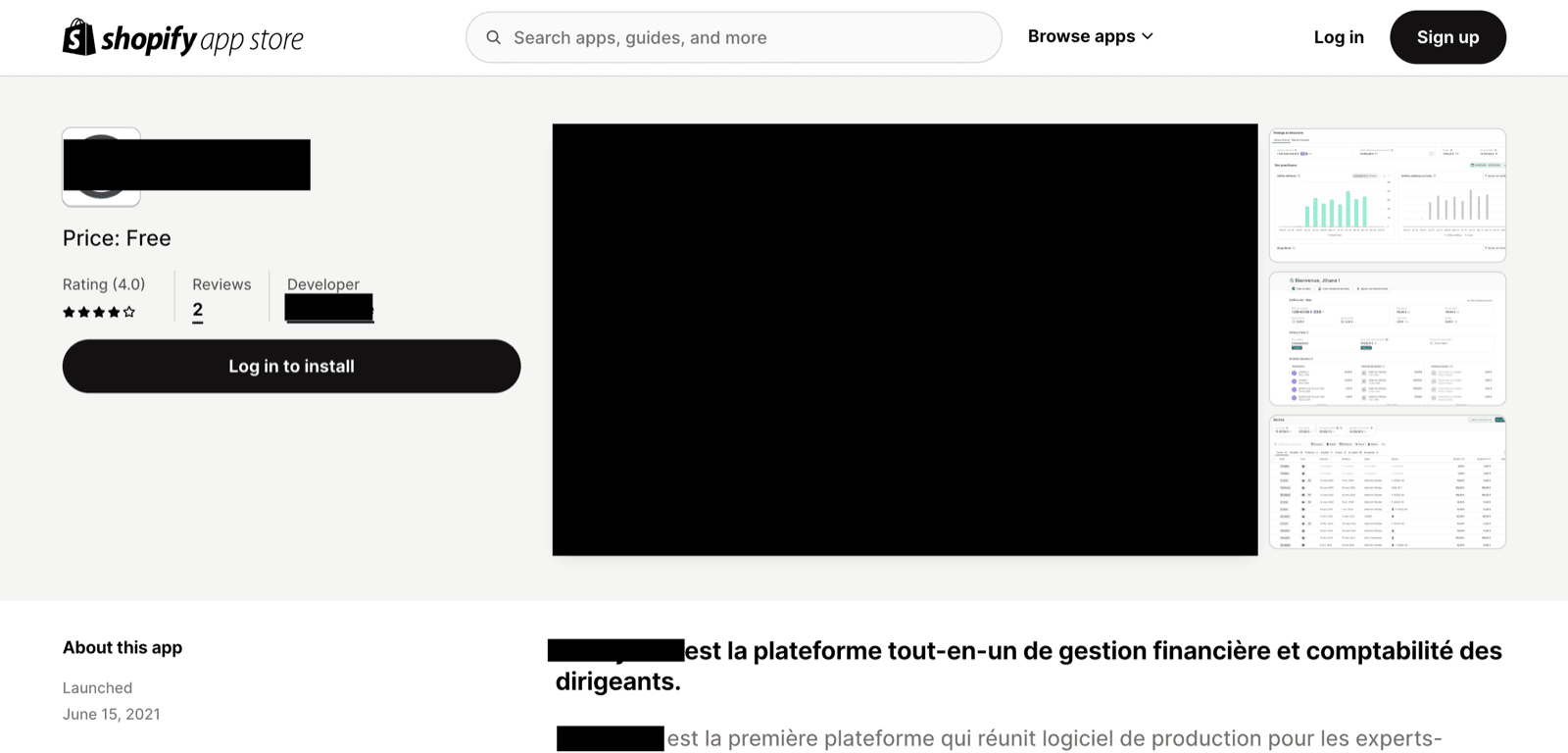
 **Step 6a:** Install the app of your partner you wish to connect with Shopify.
 ### Configuration - custom app
Proceed with those steps only if you are asked for a client id and client secret.
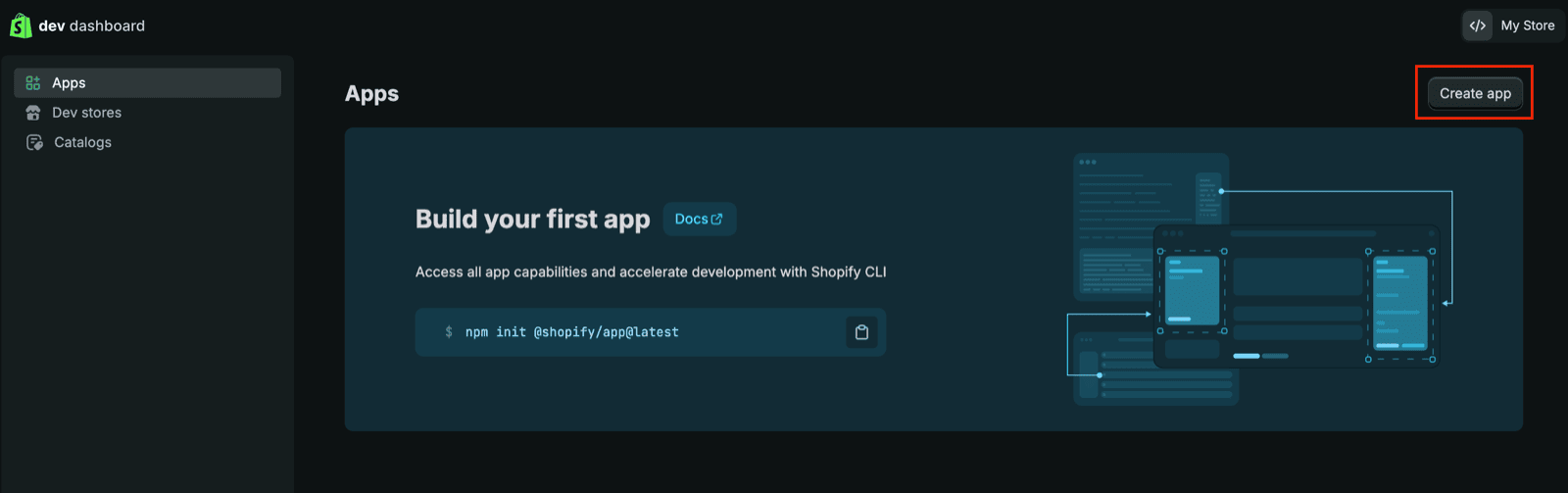
**Step 4b:** Go to the Dev Dashboard ([https://dev.shopify.com/dashboard](https://dev.shopify.com/dashboard)) and follow the steps outlined in this article to activate and create a custom app:
* [https://shopify.dev/docs/apps/build/dev-dashboard/create-apps-using-dev-dashboard](https://shopify.dev/docs/apps/build/dev-dashboard/create-apps-using-dev-dashboard)
* The following scopes are needed:
* read\_orders
* read\_all\_orders (if you need to retrieve orders older than 60 days). Note that if you are creating the app as a partner of the merchant, you will need to retrieve extra access through the partner dashboard, see the documentation: [https://shopify.dev/docs/api/usage/access-scopes#orders-permissions](https://shopify.dev/docs/api/usage/access-scopes#orders-permissions). Once this is done, you will be able to see "read\_all\_orders" in the scopes available (refresh the page if needed)
* read\_returns
* read\_discounts
* read\_products
* read\_customers
* The redirection url is the following "**[https://chift.app/oauth2/redirect](https://chift.app/oauth2/redirect)**".
* You don't have to install the application.
Here are a few screenshots outlining the steps:
### Configuration - custom app
Proceed with those steps only if you are asked for a client id and client secret.
**Step 4b:** Go to the Dev Dashboard ([https://dev.shopify.com/dashboard](https://dev.shopify.com/dashboard)) and follow the steps outlined in this article to activate and create a custom app:
* [https://shopify.dev/docs/apps/build/dev-dashboard/create-apps-using-dev-dashboard](https://shopify.dev/docs/apps/build/dev-dashboard/create-apps-using-dev-dashboard)
* The following scopes are needed:
* read\_orders
* read\_all\_orders (if you need to retrieve orders older than 60 days). Note that if you are creating the app as a partner of the merchant, you will need to retrieve extra access through the partner dashboard, see the documentation: [https://shopify.dev/docs/api/usage/access-scopes#orders-permissions](https://shopify.dev/docs/api/usage/access-scopes#orders-permissions). Once this is done, you will be able to see "read\_all\_orders" in the scopes available (refresh the page if needed)
* read\_returns
* read\_discounts
* read\_products
* read\_customers
* The redirection url is the following "**[https://chift.app/oauth2/redirect](https://chift.app/oauth2/redirect)**".
* You don't have to install the application.
Here are a few screenshots outlining the steps:
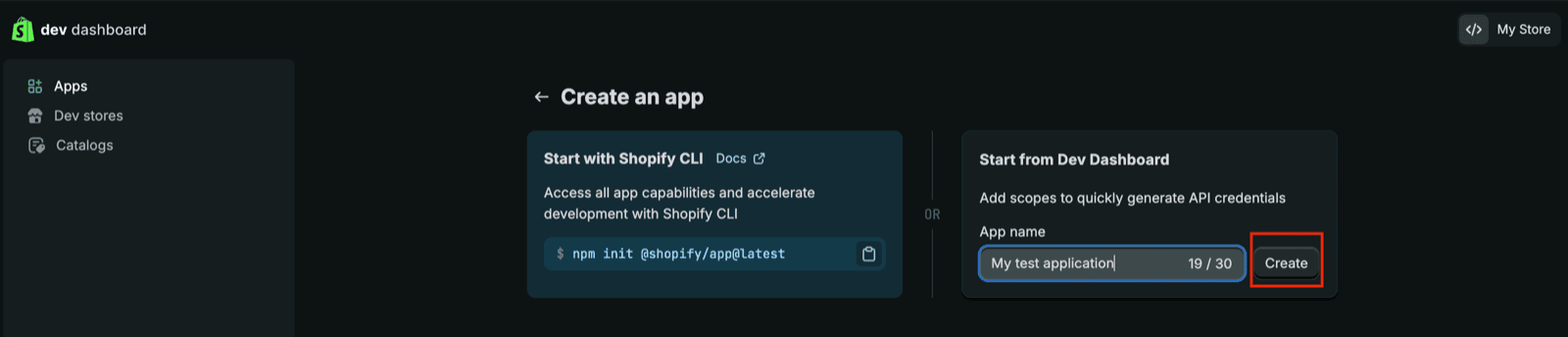
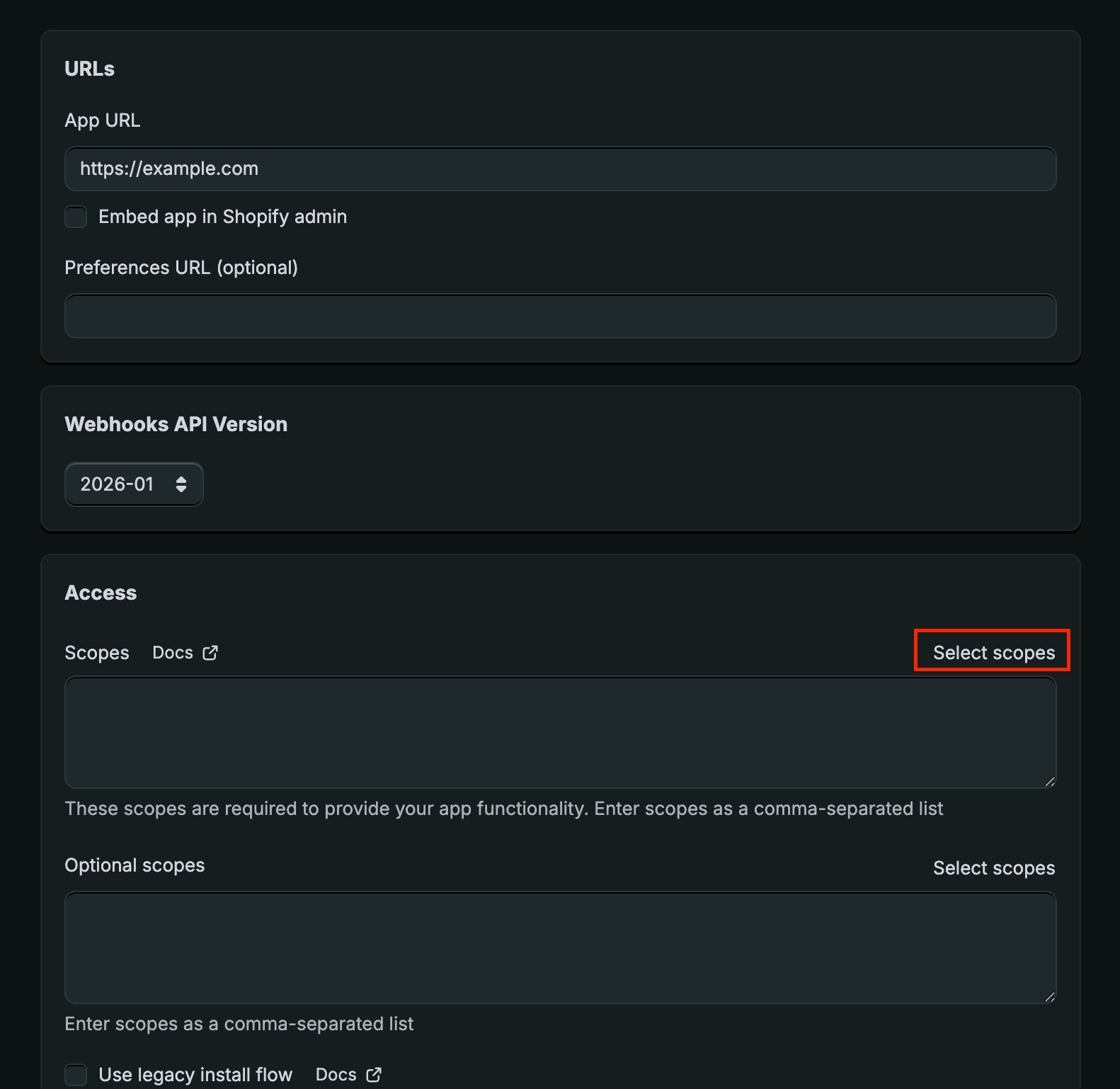
 **Step 5b:** Click on "Settings" in the menu on the left. Copy the "Client id" / "Secret"
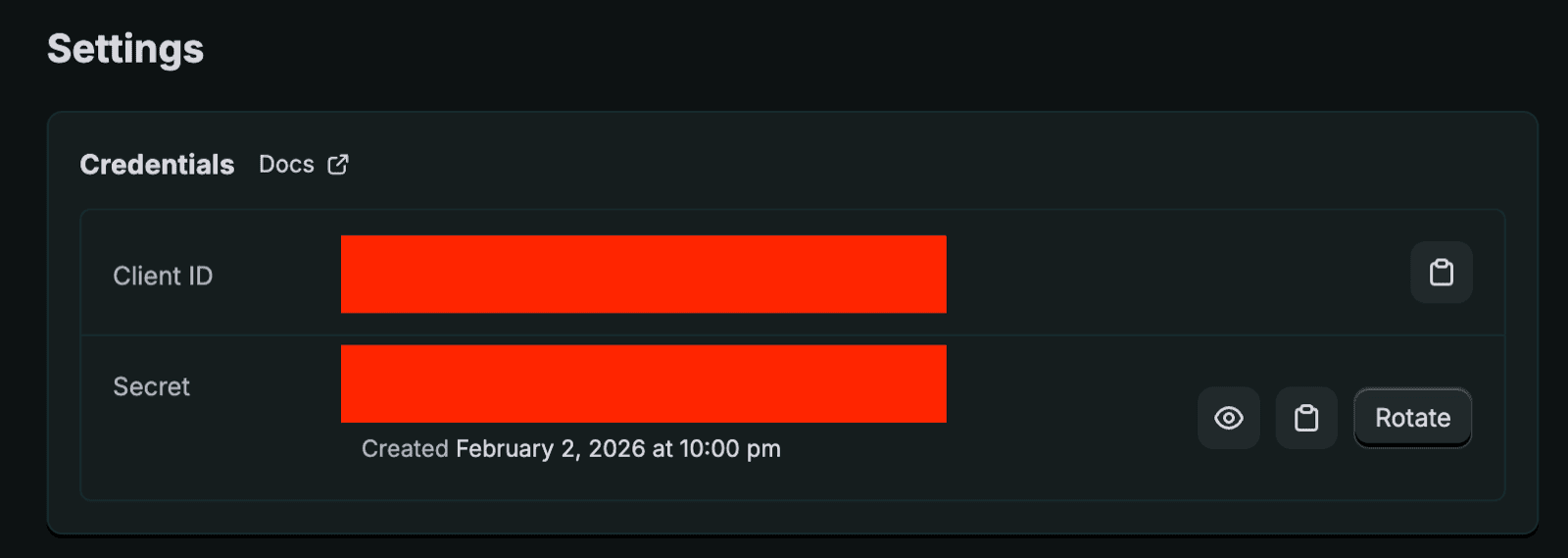 **Step 6b:** Paste the client id / client secret in the respective fields and click on "Authorise". You will be redirected and asked to install the application. Please proceed for a successful installation.