> ## Documentation Index
> Fetch the complete documentation index at: https://docs.chift.eu/llms.txt
> Use this file to discover all available pages before exploring further.

# Ponto

# CONNEXION

**Step 1:** Choose a name for your connection.

<img src="https://mintcdn.com/chift/Qlm0jvZrQaYdRxEf/images/help/ponto/ponto-1.png?fit=max&auto=format&n=Qlm0jvZrQaYdRxEf&q=85&s=f56c3b0734f7d369415dea6d402f710d" alt="" width="617" height="120" data-path="images/help/ponto/ponto-1.png" />

**Step 2:** Click "Authorise" to finalise the connection.

<img src="https://mintcdn.com/chift/Qlm0jvZrQaYdRxEf/images/help/ponto/ponto-2.png?fit=max&auto=format&n=Qlm0jvZrQaYdRxEf&q=85&s=78558829e6e5f7cbcf112571121e2ba2" alt="" width="216" height="86" data-path="images/help/ponto/ponto-2.png" />

# **AUTHENTIFICATION**

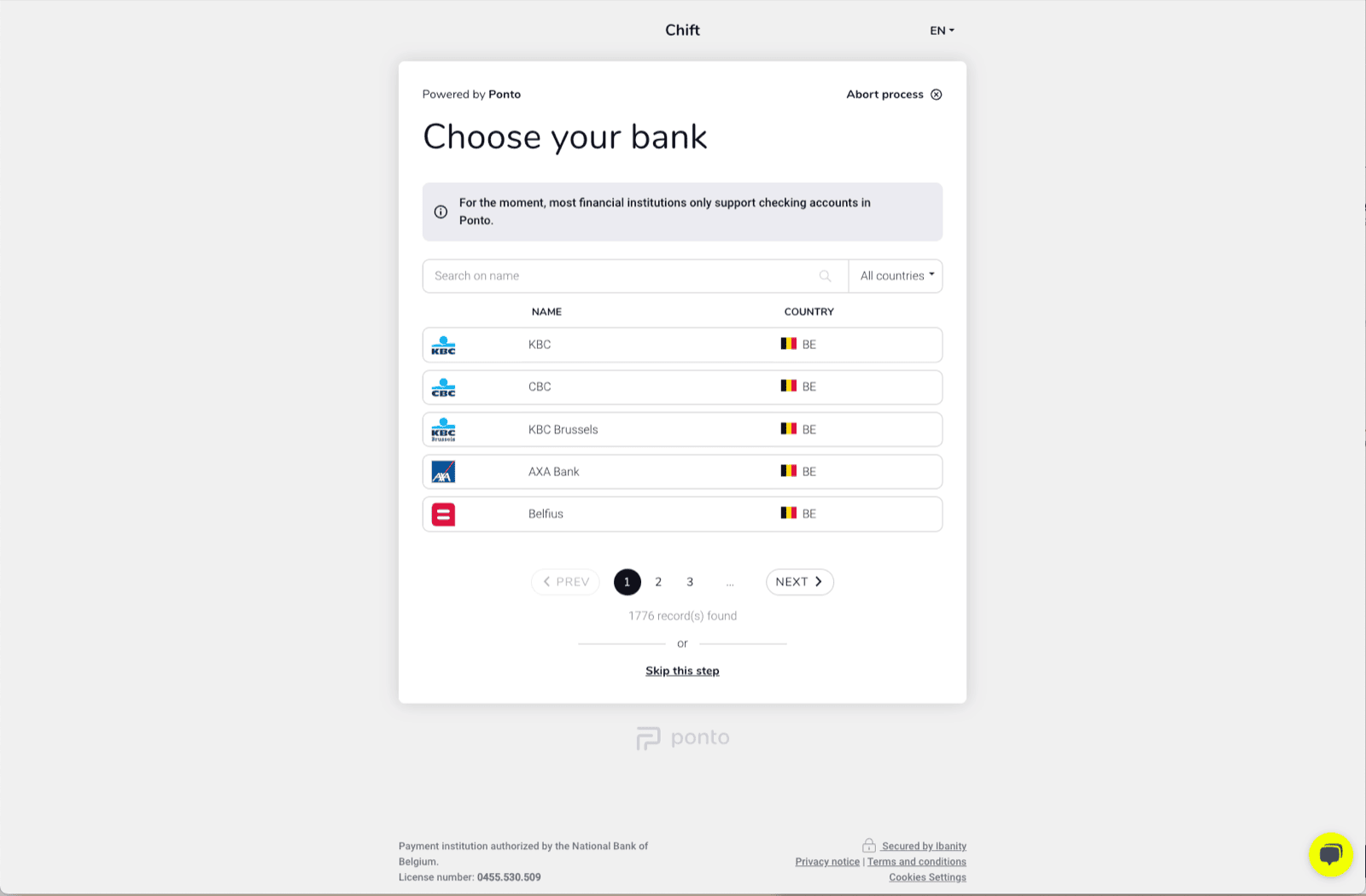
You will be redirected to a Ponto page to authenticate your account.
<img src="https://mintcdn.com/chift/Qlm0jvZrQaYdRxEf/images/help/ponto/ponto-3.png?fit=max&auto=format&n=Qlm0jvZrQaYdRxEf&q=85&s=c6c650adc07b5298c959183f0155d29f" alt="" width="1600" height="1050" data-path="images/help/ponto/ponto-3.png" />
