> ## Documentation Index
> Fetch the complete documentation index at: https://docs.chift.eu/llms.txt
> Use this file to discover all available pages before exploring further.
# Twinfield
# PREREQUISITES
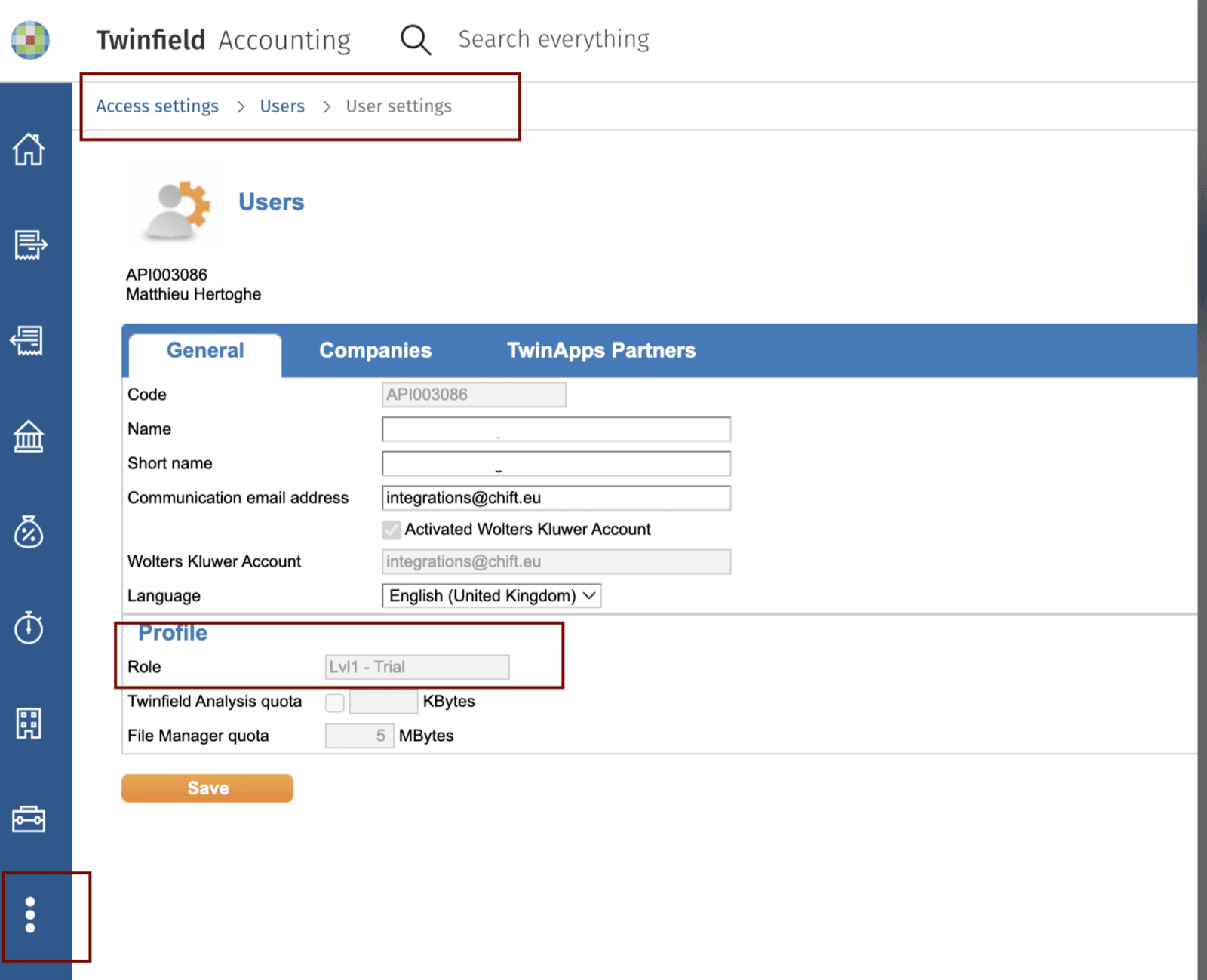
Some functionalities, like bank statement integration, require a minimum of user access linked to the connected user. Make sure your user has at least a role between Lvl 1, and Lvl4. You can verify this by checking your user settings
Settings (3 dots on the left) → Access settings → Users → User settings
 # CONNECTION
**Step 1:** Choose a name for your connection. (If the connection name field isn’t visible, simply skip this step and continue.)
# CONNECTION
**Step 1:** Choose a name for your connection. (If the connection name field isn’t visible, simply skip this step and continue.)
 **Step 2:** Click "Authorise" to finalise the connection.
 # AUTHENTICATION
You will be redirected to the login page to authenticate yourself and authorize the connection.
## Activation
Twinfield is part of the Wolters Kluwer group, and uses the Wolters Kluwer OAuth2 authorization protocol.
Click the blue button “Login with Wolters Kluwer Account”
# AUTHENTICATION
You will be redirected to the login page to authenticate yourself and authorize the connection.
## Activation
Twinfield is part of the Wolters Kluwer group, and uses the Wolters Kluwer OAuth2 authorization protocol.
Click the blue button “Login with Wolters Kluwer Account”
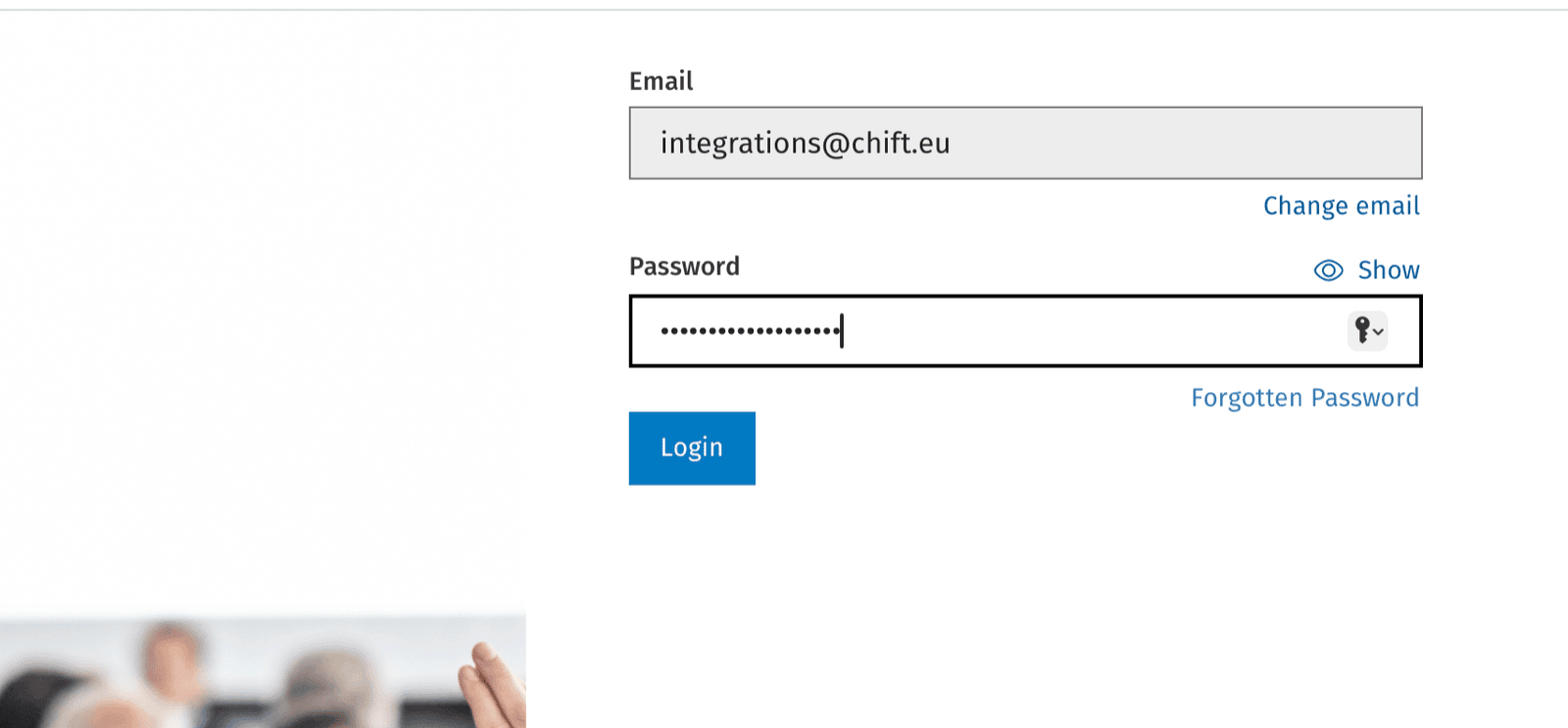
 Enter the credentials to your Wolters Kluwer Account
 Fill in the one time password.
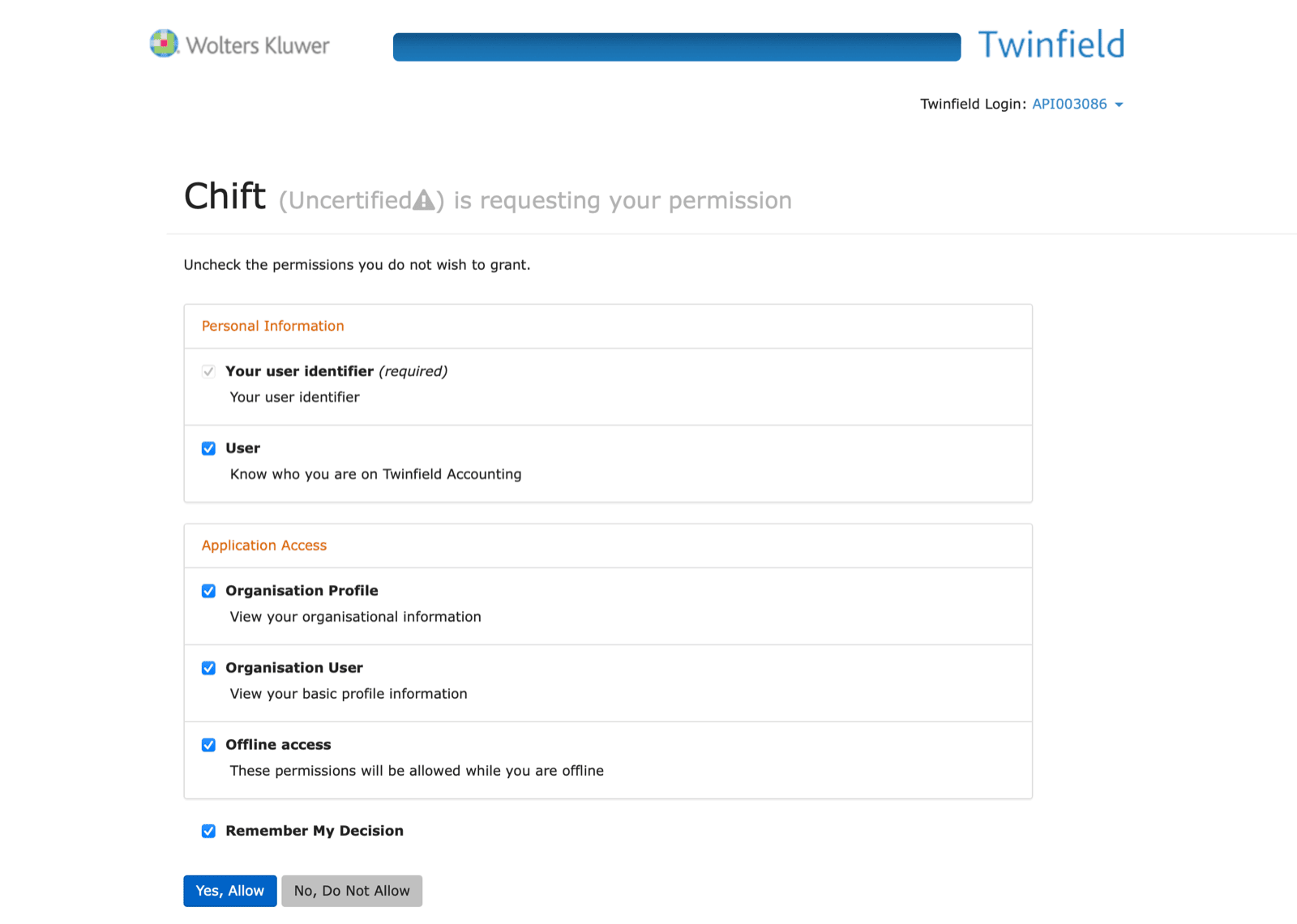
Authorize access by clicking “Yes, Allow”
Fill in the one time password.
Authorize access by clicking “Yes, Allow”