> ## Documentation Index
> Fetch the complete documentation index at: https://docs.chift.eu/llms.txt
> Use this file to discover all available pages before exploring further.
# Sevdesk
# 🚨 PREREQUISITES
* You must be on the **“Buchhaltung Pro”** plan in sevdesk.
* Only **Germany** is supported at the moment.
If the company is registered in **Austria**, contact us before proceeding (support for other geographies coming later).
# 🛠 PREPARATION
### Generate the sevdesk API key
1. Log in to your **sevdesk** account.
2. Go to **Extensions** (*Erweiterungen*) → **API**.
3. Create a new API key.
You will be asked to re-enter your password before the token is displayed.
Copy the API key and keep it — you’ll need it in the next step.
 # ⚡**️** CONNECTION
 **Step 1:** Choose a name for your connection. (If the connection name field isn’t visible, simply skip this step and continue.)
 **Step 2:** Click "Connect" to finalise the connection.
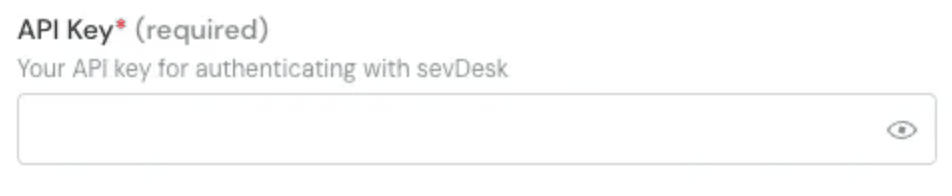
Paste the **Sevdesk API key** generated previously into the **API key** field.
**Step 2:** Click "Connect" to finalise the connection.
Paste the **Sevdesk API key** generated previously into the **API key** field.
 **Step 3:** Click "Connect" to finalise the connection.