> ## Documentation Index
> Fetch the complete documentation index at: https://docs.chift.eu/llms.txt
> Use this file to discover all available pages before exploring further.
# Sage Génération Experts
# PREPARATION
In Sage Génération Experts, you need to activate the public application Chift in order for the data exchange with Sage Génération Experts to work. This consists of 2 steps:
## Step 1 : Activating Chift application
* First of all open the marketplace settings
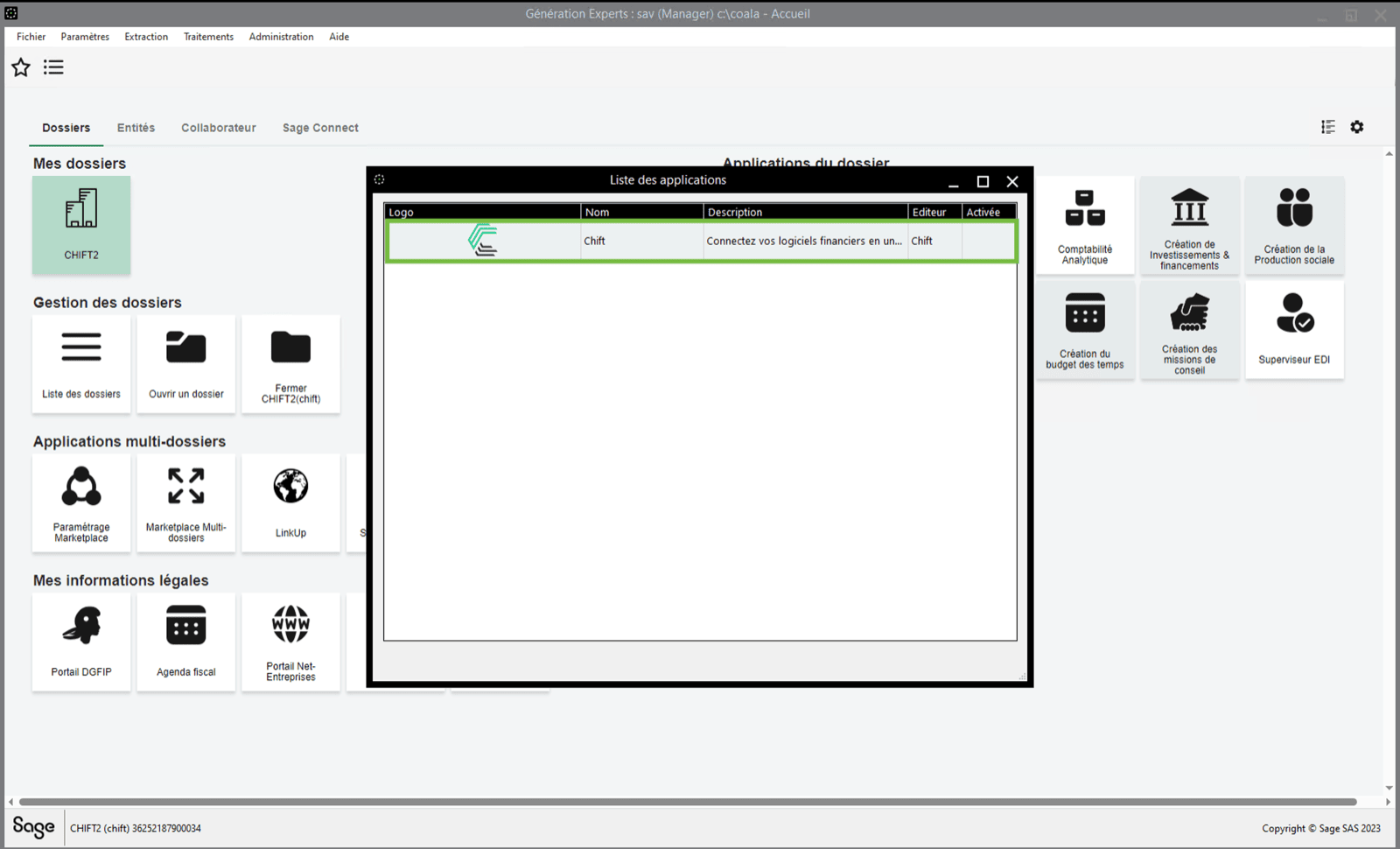
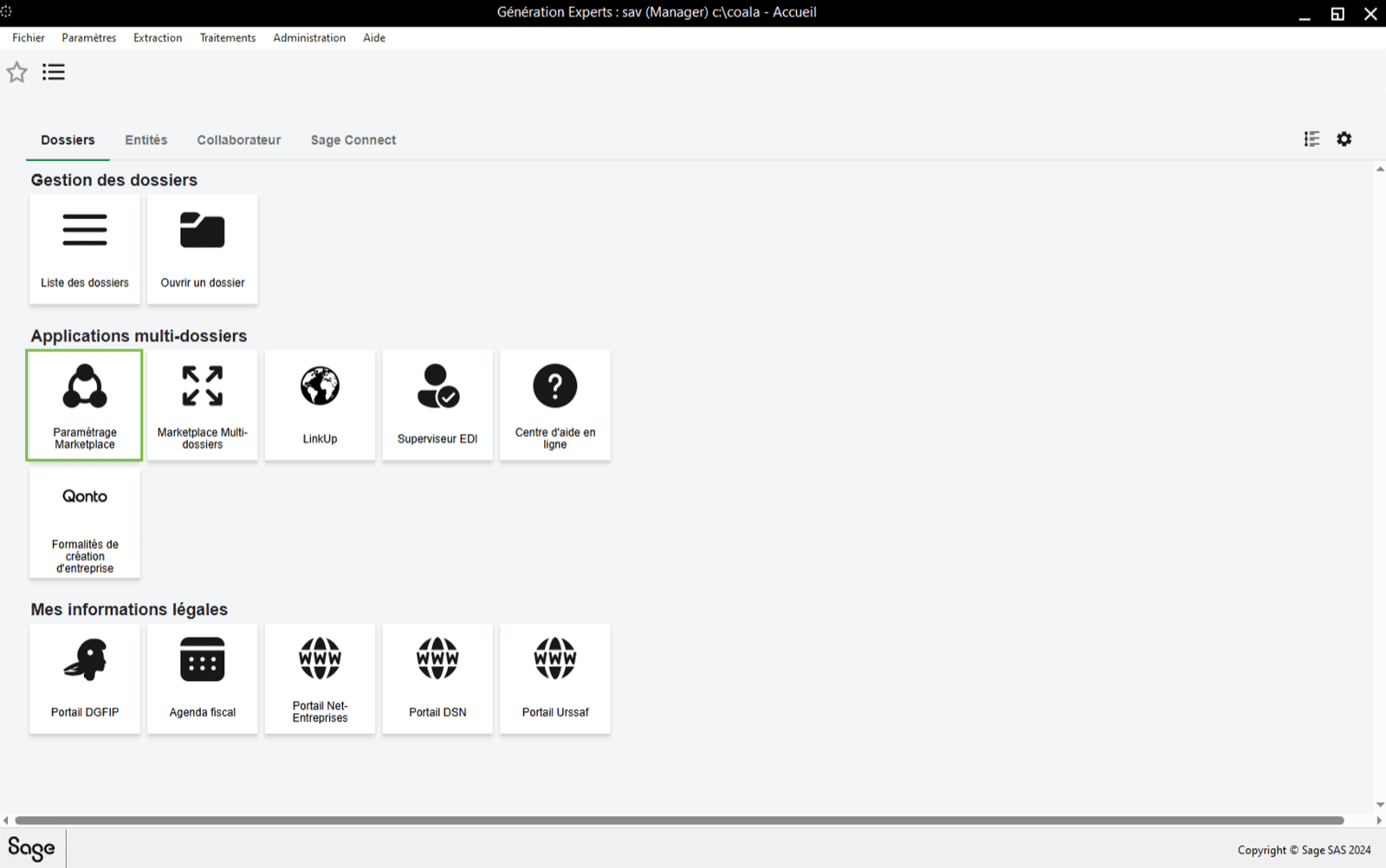 * In the list you will find the application "Chift". If the "Chift" application **is not yet activated**, **double click** on it to do so. ⚠ Careful there are 4 CHIFT Apps in Sage. Choose the one to connect your financial software.
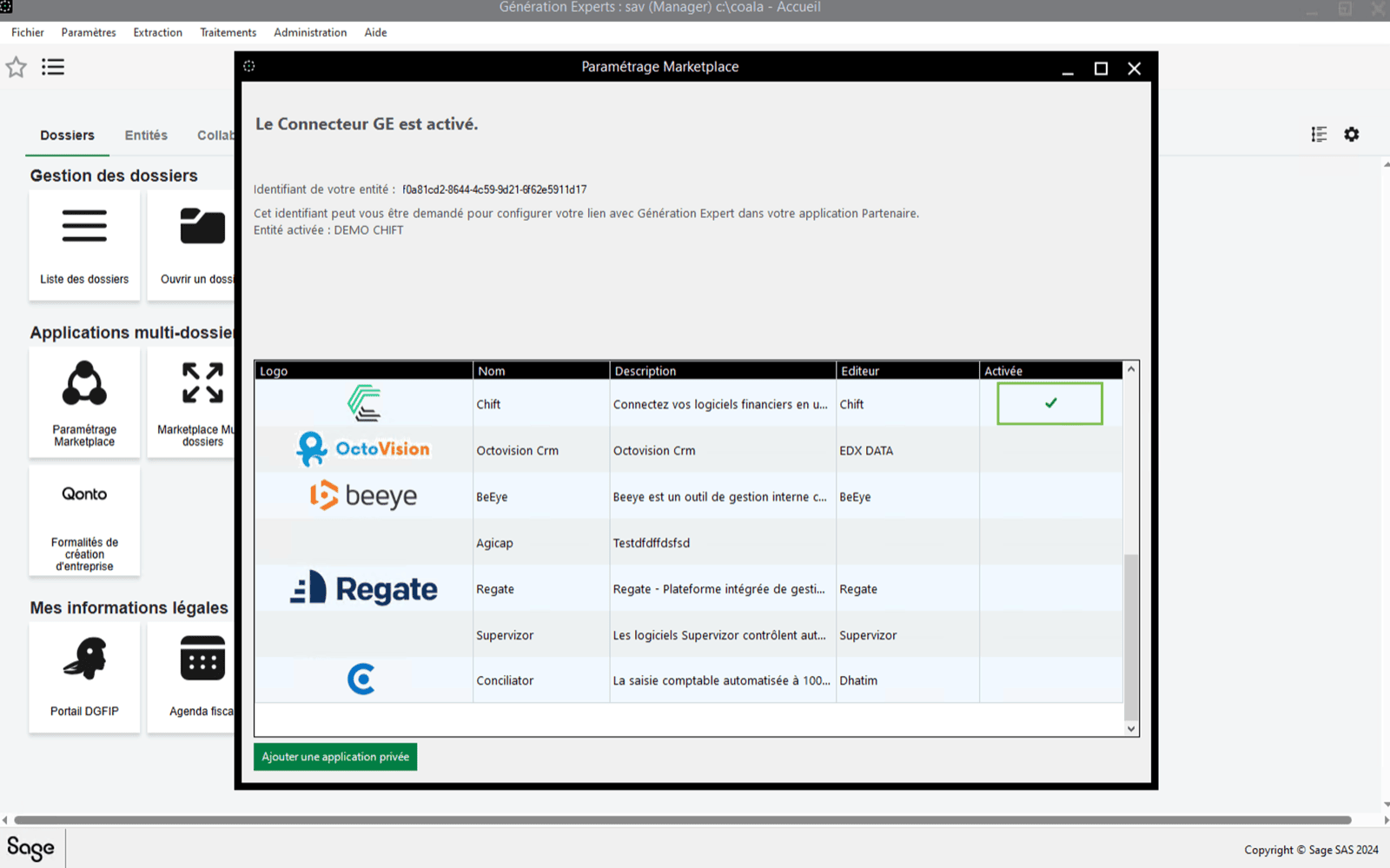
On the following screenshot you can see the id of the entity. Write it down, you'll need it to enable the connection later.
* In the list you will find the application "Chift". If the "Chift" application **is not yet activated**, **double click** on it to do so. ⚠ Careful there are 4 CHIFT Apps in Sage. Choose the one to connect your financial software.
On the following screenshot you can see the id of the entity. Write it down, you'll need it to enable the connection later.
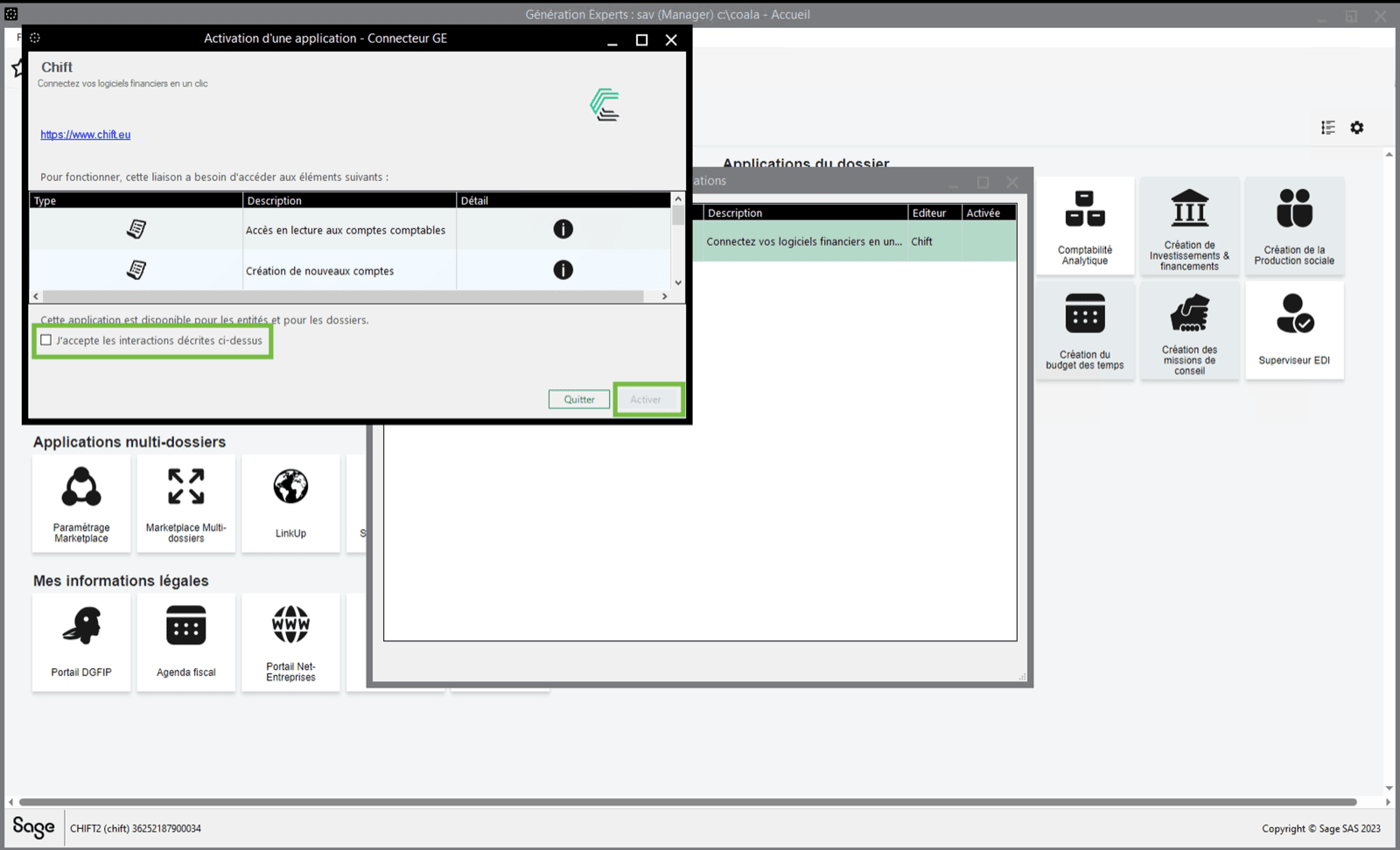
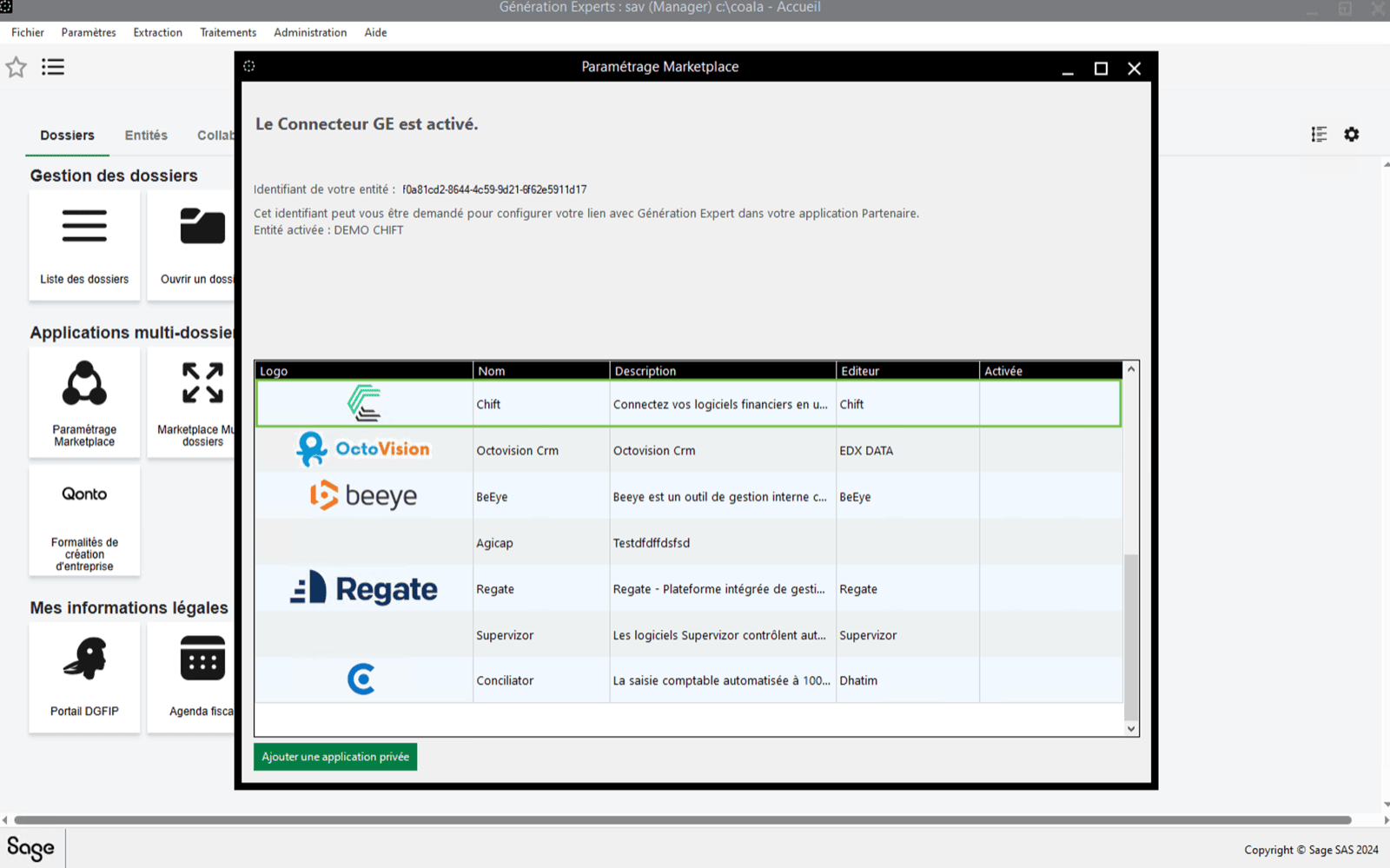 * Accept the conditions and activate the application. ⚠ Sage is rectifying the 10€ charge announced in the conditions. Note that Sage GE will not charge for this 10€ fee if you proceed in activating the connector. Sage is doing the technical change (COMING SOON).
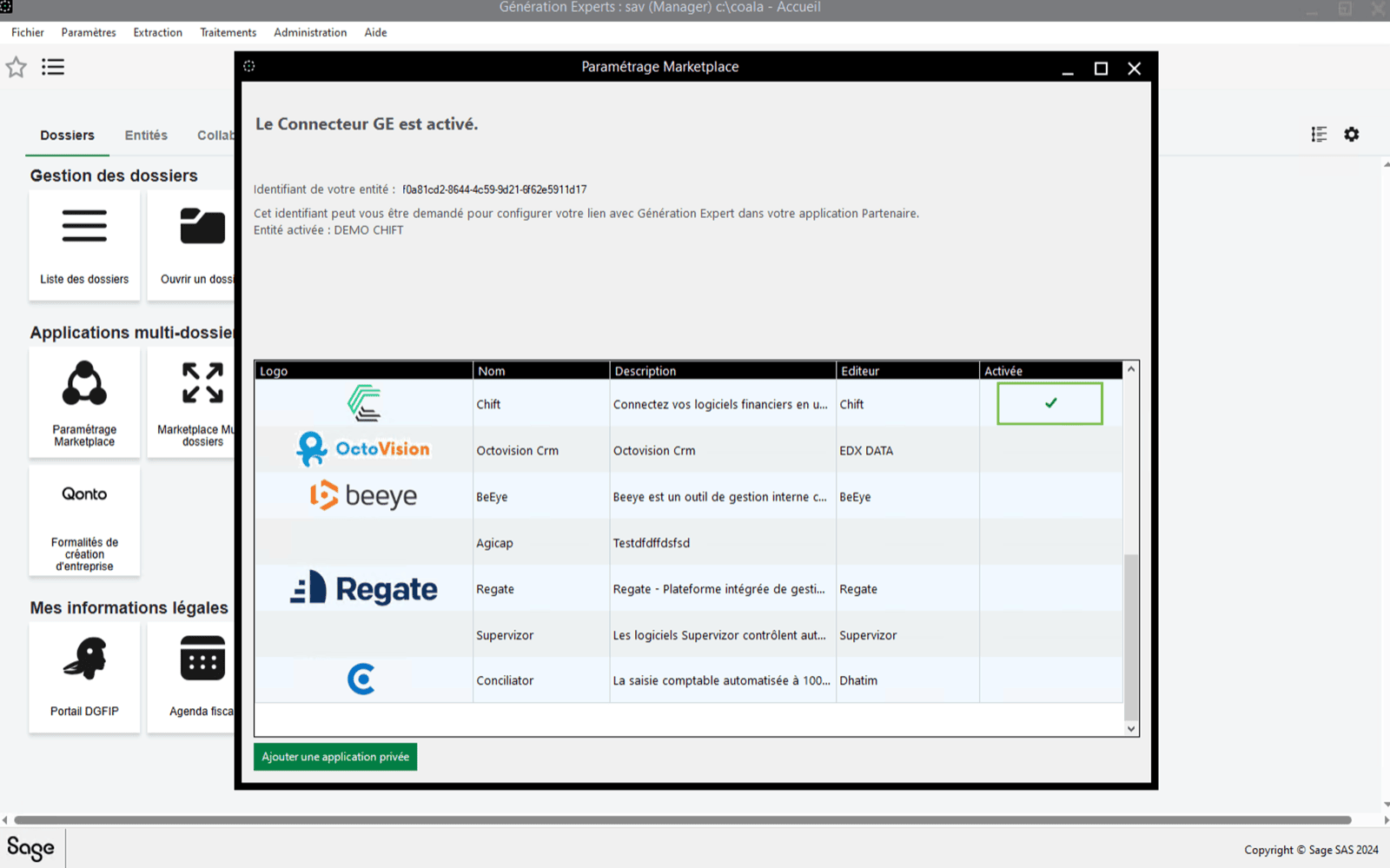
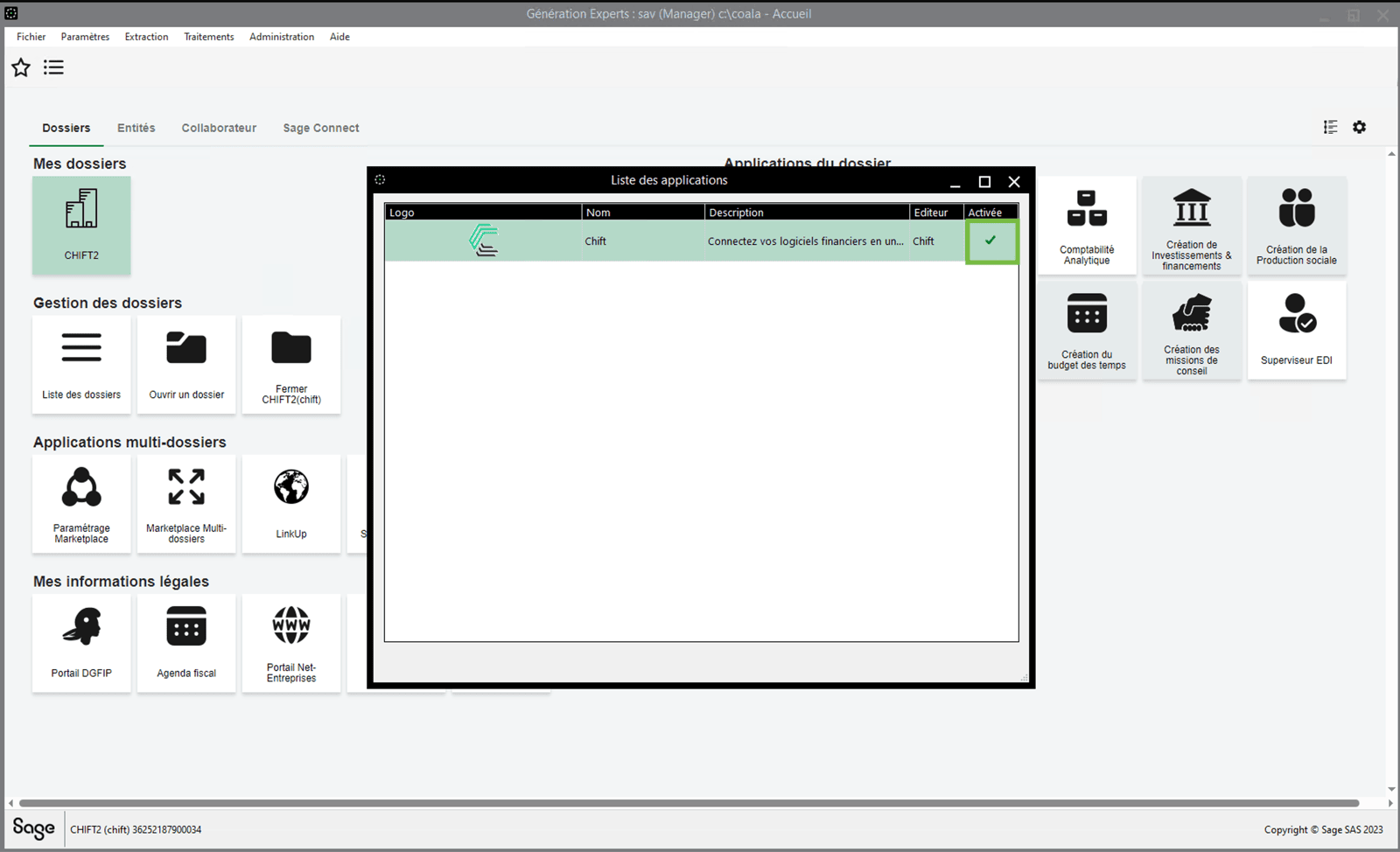
 * You can see that the "Chift" application has been **activated**
 ## Step 2 : Activating Chift application on each customer company
⚠ Please note that you will be required to perform the next steps for **each customer company** you want to synchronize with Chift.
* First of all open a **folder/company** on Sage.
## Step 2 : Activating Chift application on each customer company
⚠ Please note that you will be required to perform the next steps for **each customer company** you want to synchronize with Chift.
* First of all open a **folder/company** on Sage.

 * Then, go to "**marketplace**" on the right panel.
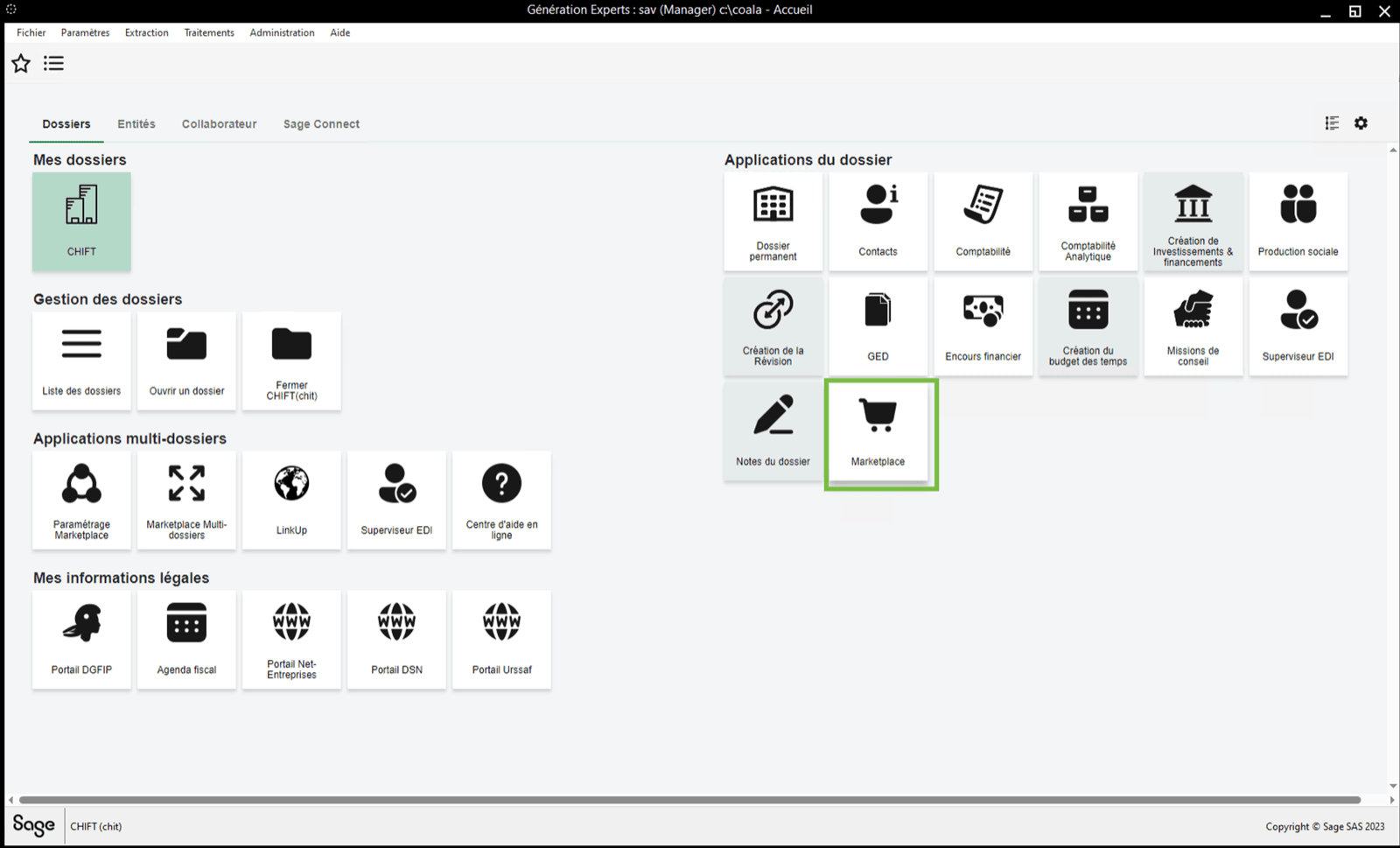 * If the "Chift" application **is not yet activated**, **double click** on it to do so.
 * Accept the conditions and activate the application
 * You can see that the "Chift" application has been **activated**
 ***
# CONNECTION
**Step 1:** Choose a name for your connection.
***
# CONNECTION
**Step 1:** Choose a name for your connection.
 **Step 2:** Enter your accountancy practice's ID. It is the id of the company that you wrote down on the previous steps.

 **Step 3:** Click "Connect" to finalise the connection.
