> ## Documentation Index
> Fetch the complete documentation index at: https://docs.chift.eu/llms.txt
> Use this file to discover all available pages before exploring further.
# Pennylane
# PREREQUISITE
* To activate an integration with Pennylane, you need to have a client plan Essential or above.
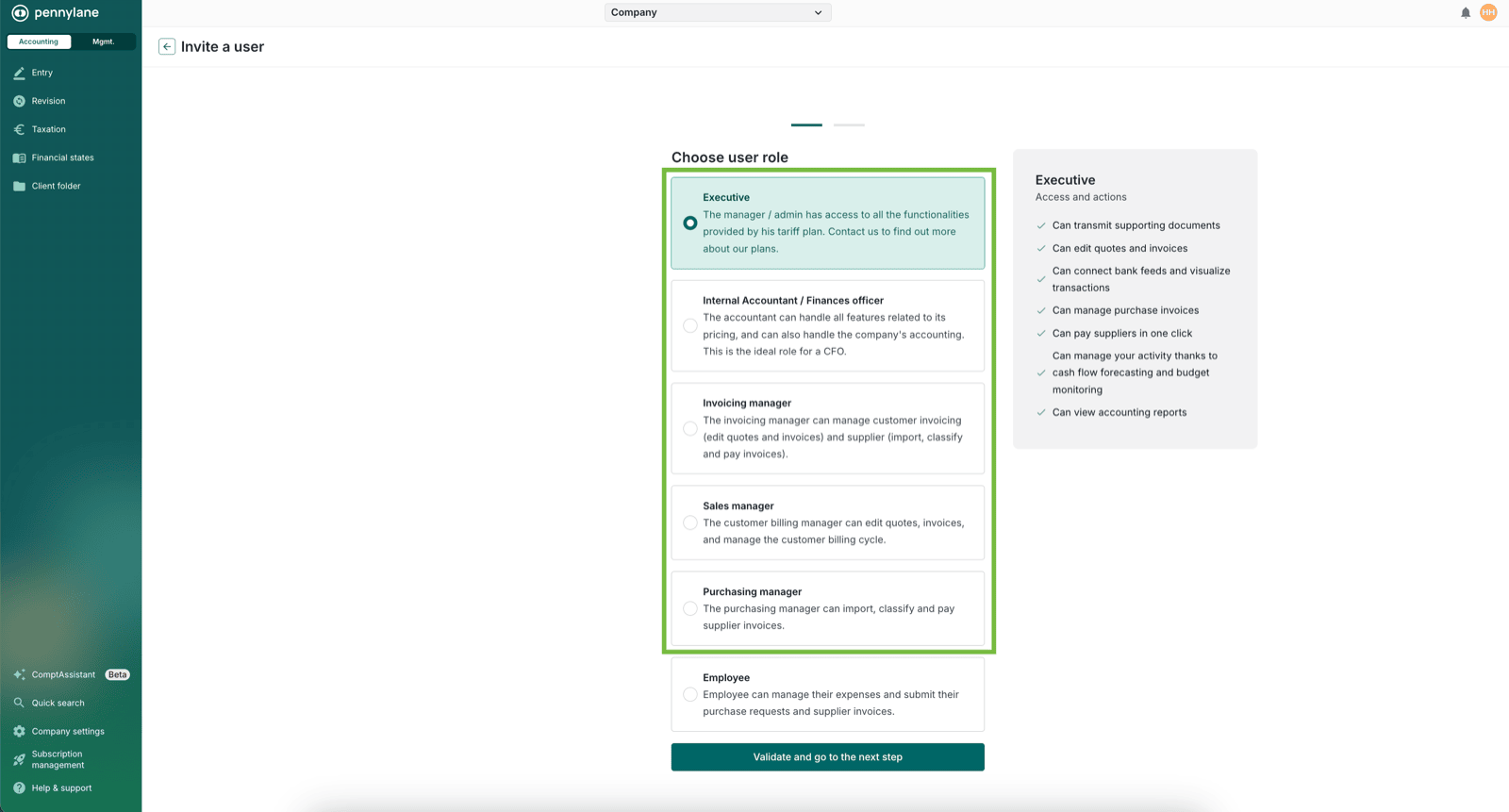
* The user also needs to have a specific role : at least "gestionnaire" (*Company settings > Team management*) :
 # CONNECTION
**Step 1:** Choose a name for your connection.
# CONNECTION
**Step 1:** Choose a name for your connection.
 **Step 2:** Click "Authorise" to finalise the connection.
 # AUTHENTICATION
You will be redirected to a Pennylane login page to authenticate yourself.
# AUTHENTICATION
You will be redirected to a Pennylane login page to authenticate yourself.