> ## Documentation Index
> Fetch the complete documentation index at: https://docs.chift.eu/llms.txt
> Use this file to discover all available pages before exploring further.
# InexWeb - In Extenso
# PREREQUISITES
The application you are trying to connect to "InexWeb - In Extenso" must be activated. Please verify this is done before activating the connection. If it is not the case, contact In Extenso support ([**assistance@fulll.help**](mailto:assistance@fulll.help)) to do this.
# CONNECTION
**Step 1:** Choose a name for your connection.
 **Step 2:** Click "Authorise" to finalise the connection.
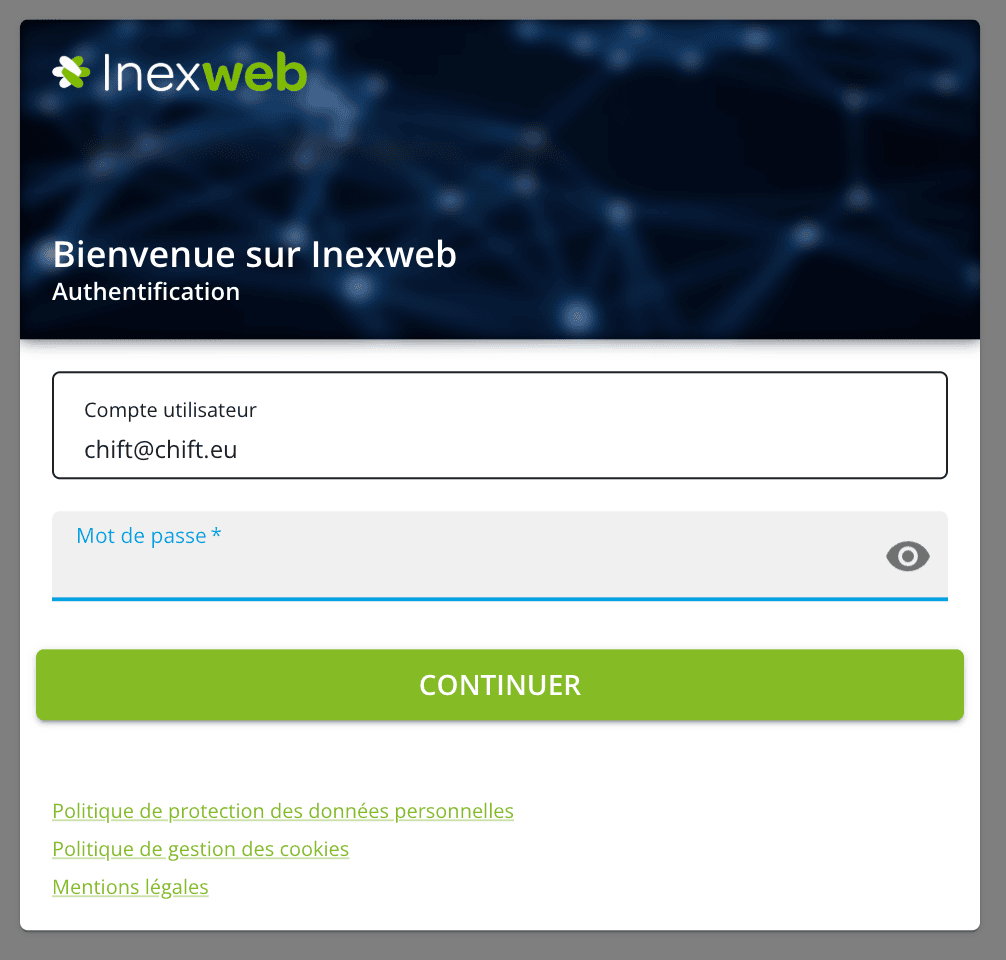
 **Step 3:** Fill in your InexWeb - In Extenso credentials, then you will be redirected to Chift.
 # ERRORS
⚠ An error could occur if the application you are trying to connect to "InexWeb - In Extenso" is not activated. If the application is not activated, please contact In Extenso's support team ([**assistance@fulll.help**](mailto:assistance@fulll.help)) to do this.
# ERRORS
⚠ An error could occur if the application you are trying to connect to "InexWeb - In Extenso" is not activated. If the application is not activated, please contact In Extenso's support team ([**assistance@fulll.help**](mailto:assistance@fulll.help)) to do this.