> ## Documentation Index
> Fetch the complete documentation index at: https://docs.chift.eu/llms.txt
> Use this file to discover all available pages before exploring further.
# ACD: launch an analysis
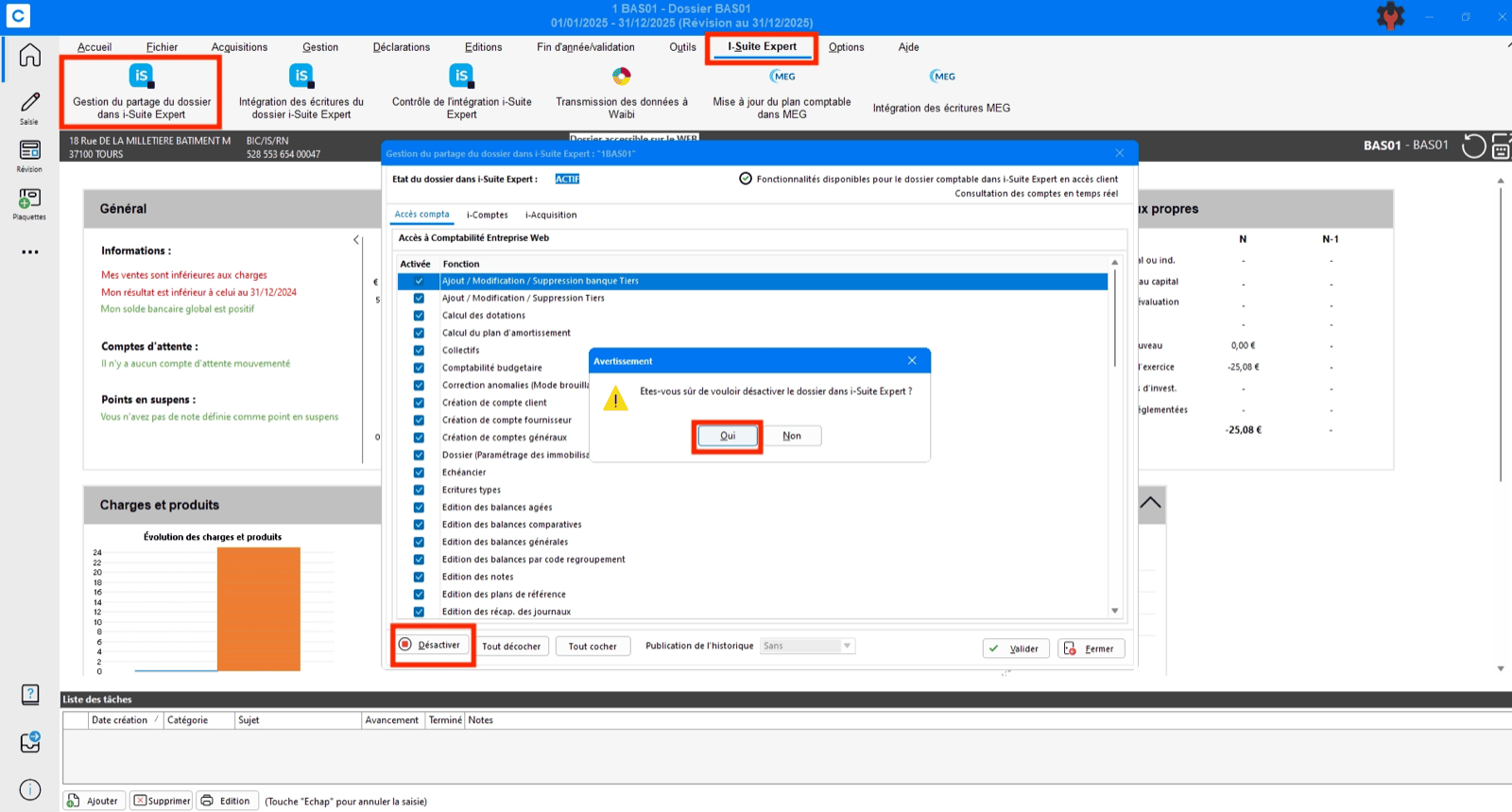


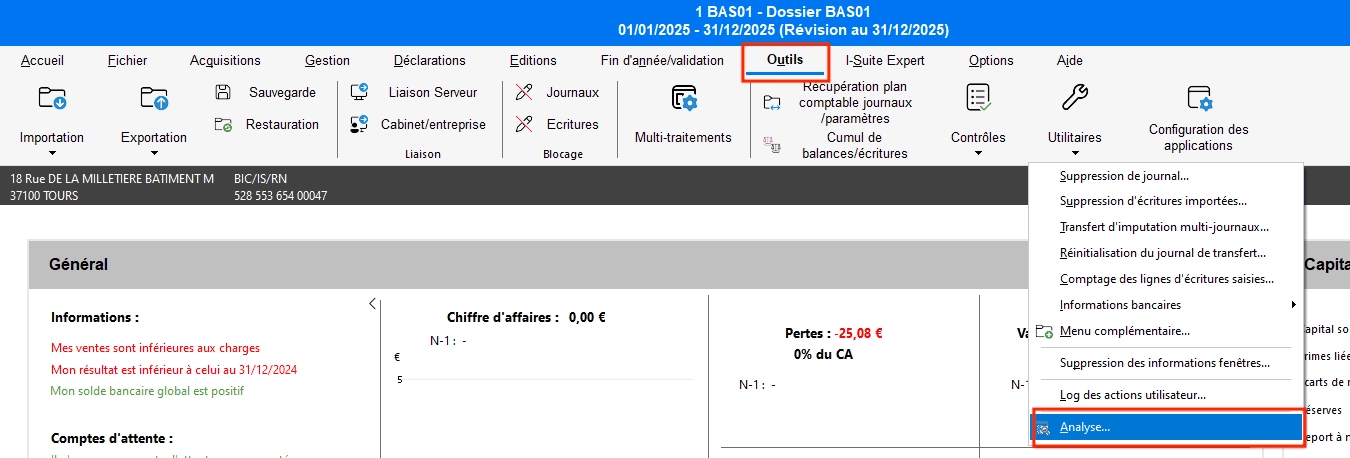
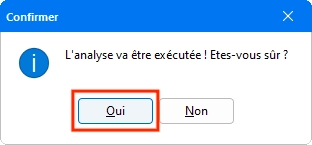
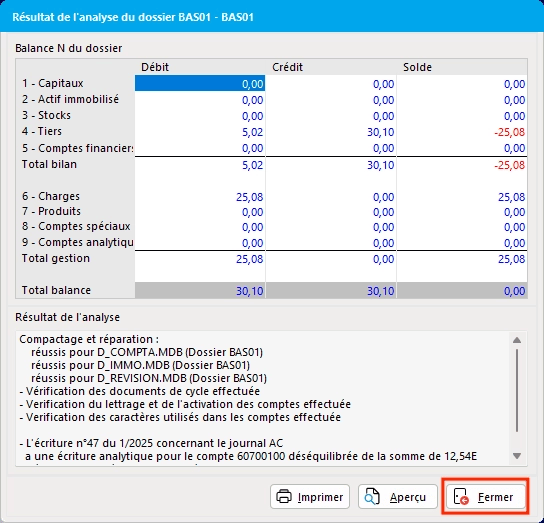 1. **Verify and reset folder sharing:**
* Open the folder in ACD and confirm it is shared with the user account used for the connection
* If already shared, unshare the folder
* Run an Analysis via the Tools menu
* Re‑share the folder
2. **Verify GED access:**
* Confirm that the user has access to the GED (document management)
* Specifically verify access to the folders selected for Sales and Purchases
### "Impossible de se connecter aux communs de la comptabilité”
If the previous steps do not resolve the issue, the usual solution is to request the client's integrator to:
* open port 443 or the dedicated port to enable the connection (this is done by the IT provider)
* If the connection is established: restart the Enterprise Web Accounting service (also done by the IT provider)
1. **Verify and reset folder sharing:**
* Open the folder in ACD and confirm it is shared with the user account used for the connection
* If already shared, unshare the folder
* Run an Analysis via the Tools menu
* Re‑share the folder
2. **Verify GED access:**
* Confirm that the user has access to the GED (document management)
* Specifically verify access to the folders selected for Sales and Purchases
### "Impossible de se connecter aux communs de la comptabilité”
If the previous steps do not resolve the issue, the usual solution is to request the client's integrator to:
* open port 443 or the dedicated port to enable the connection (this is done by the IT provider)
* If the connection is established: restart the Enterprise Web Accounting service (also done by the IT provider)