> ## Documentation Index
> Fetch the complete documentation index at: https://docs.chift.eu/llms.txt
> Use this file to discover all available pages before exploring further.
# Tiller
# PRÉPARATION
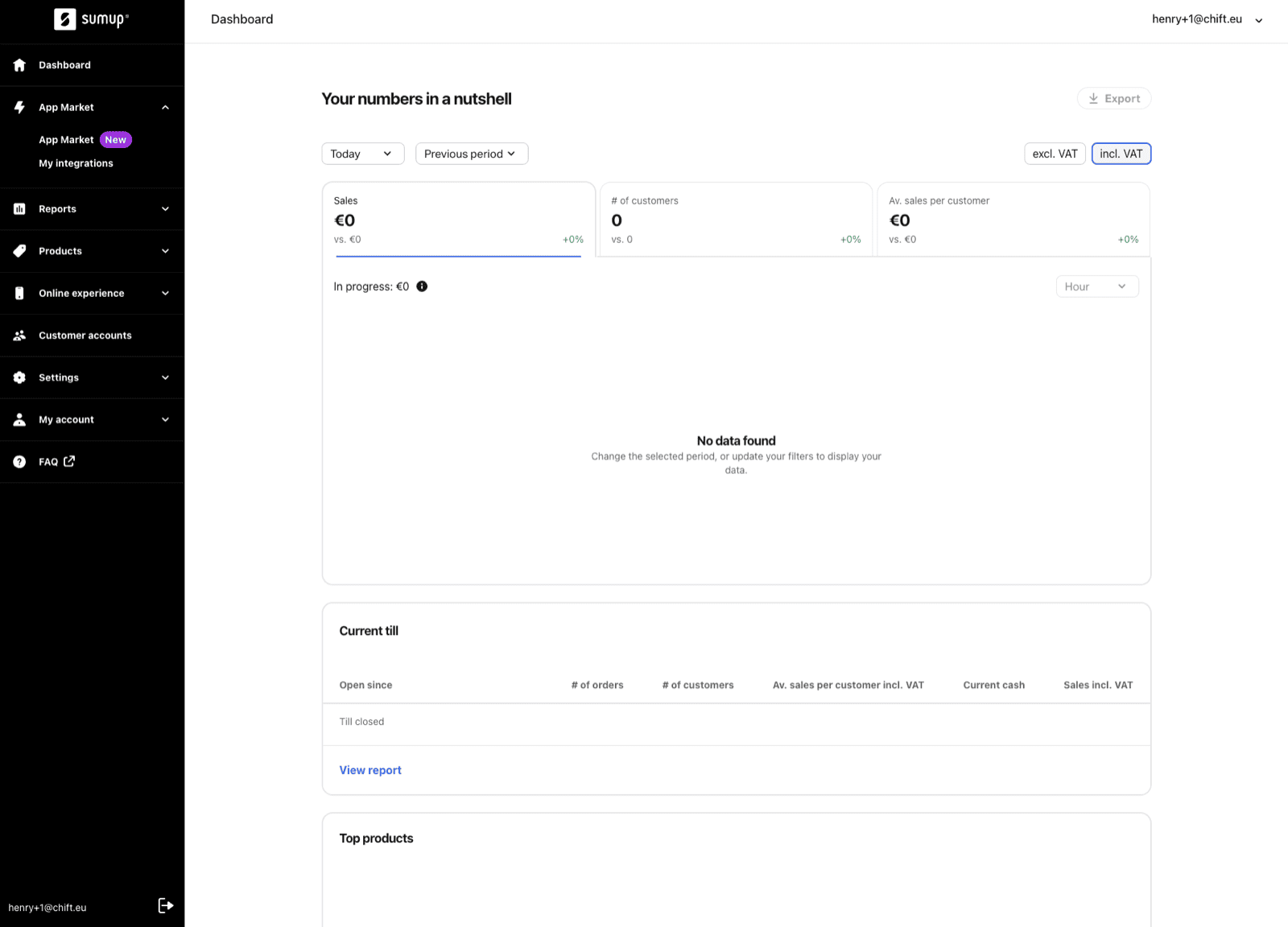
Afin d'activer l'intégration avec Tiller, il vous faut générer une clé API depuis votre compte Tiller. Voici les étapes à suivre pour le faire:
* Rendez vous sur votre compte Tiller → Menu → App Market → cliquez sur **App Market**
 * Sélectionnez le bon magasin sur votre compte Tiller pour lequel vous souhaitez établir l'intégration.
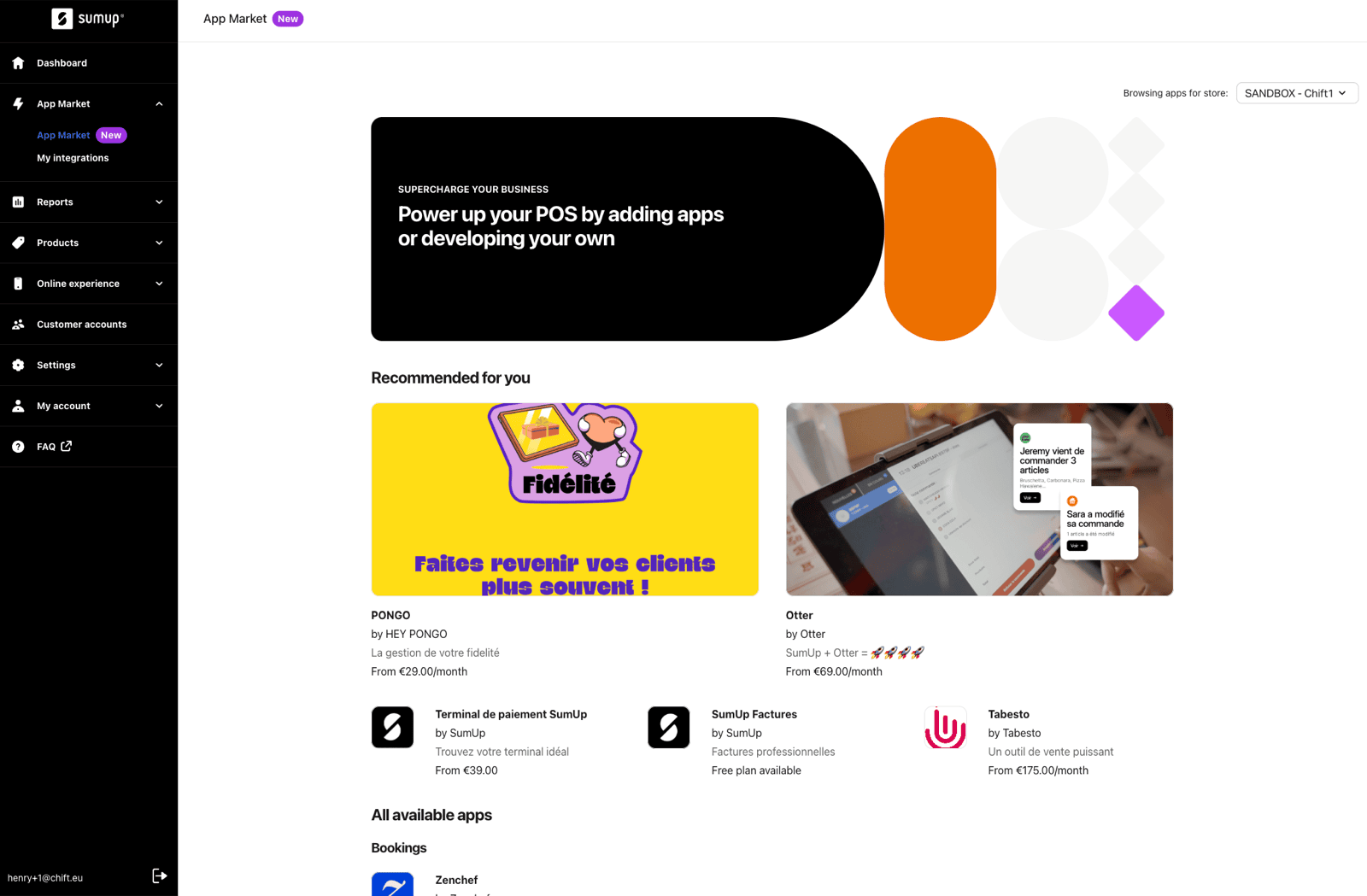 * Cliquez sur l'application du logiciel que vous souhaitez intégrer avec Tiller.
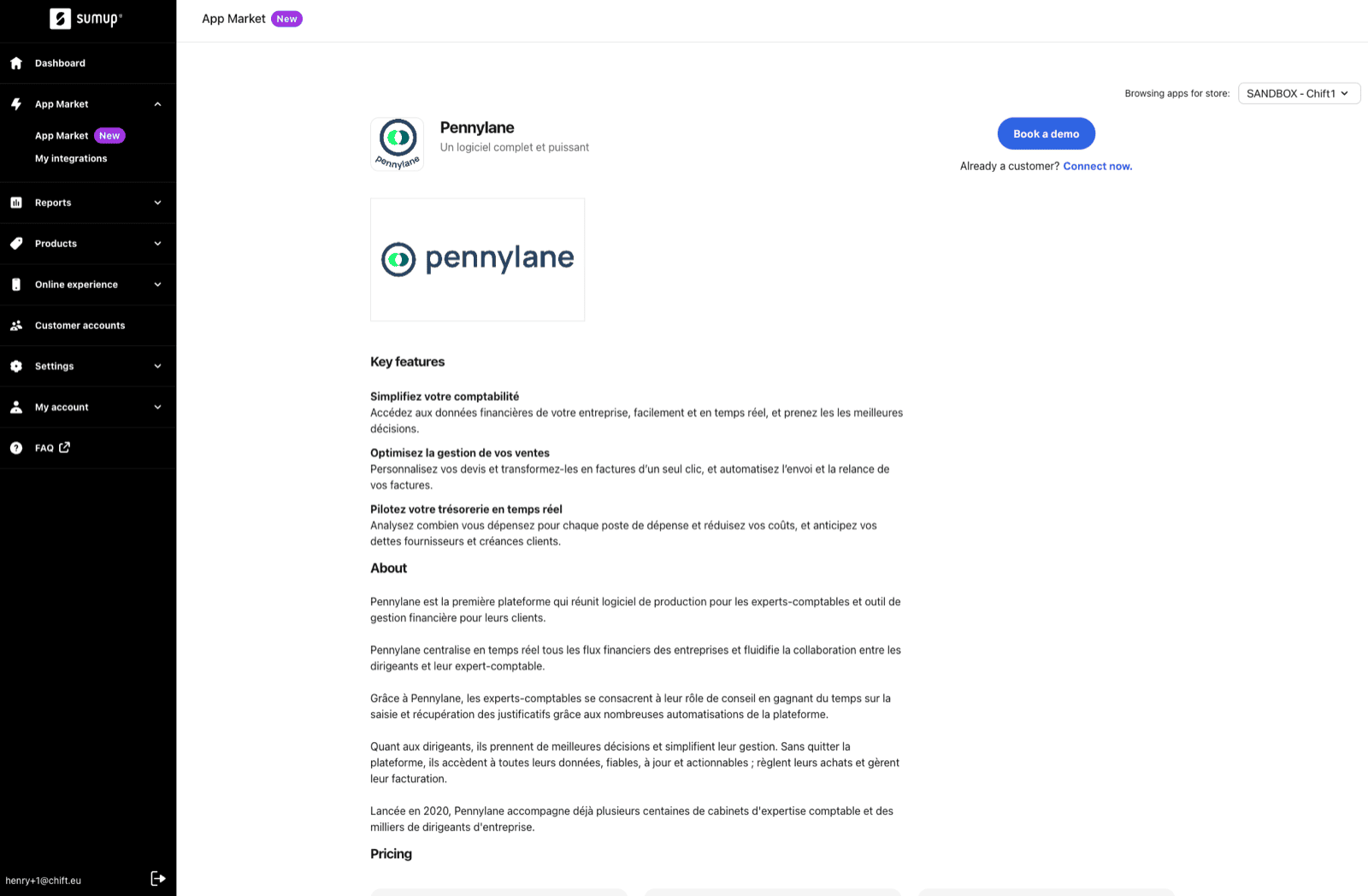
 * Sur la page de l'application (ici Pennylane, pour l'exemple), cliquez sur "**connect** **now**" en dessous de "Book a demo", puis "**confirmer**" pour générer une clé API.
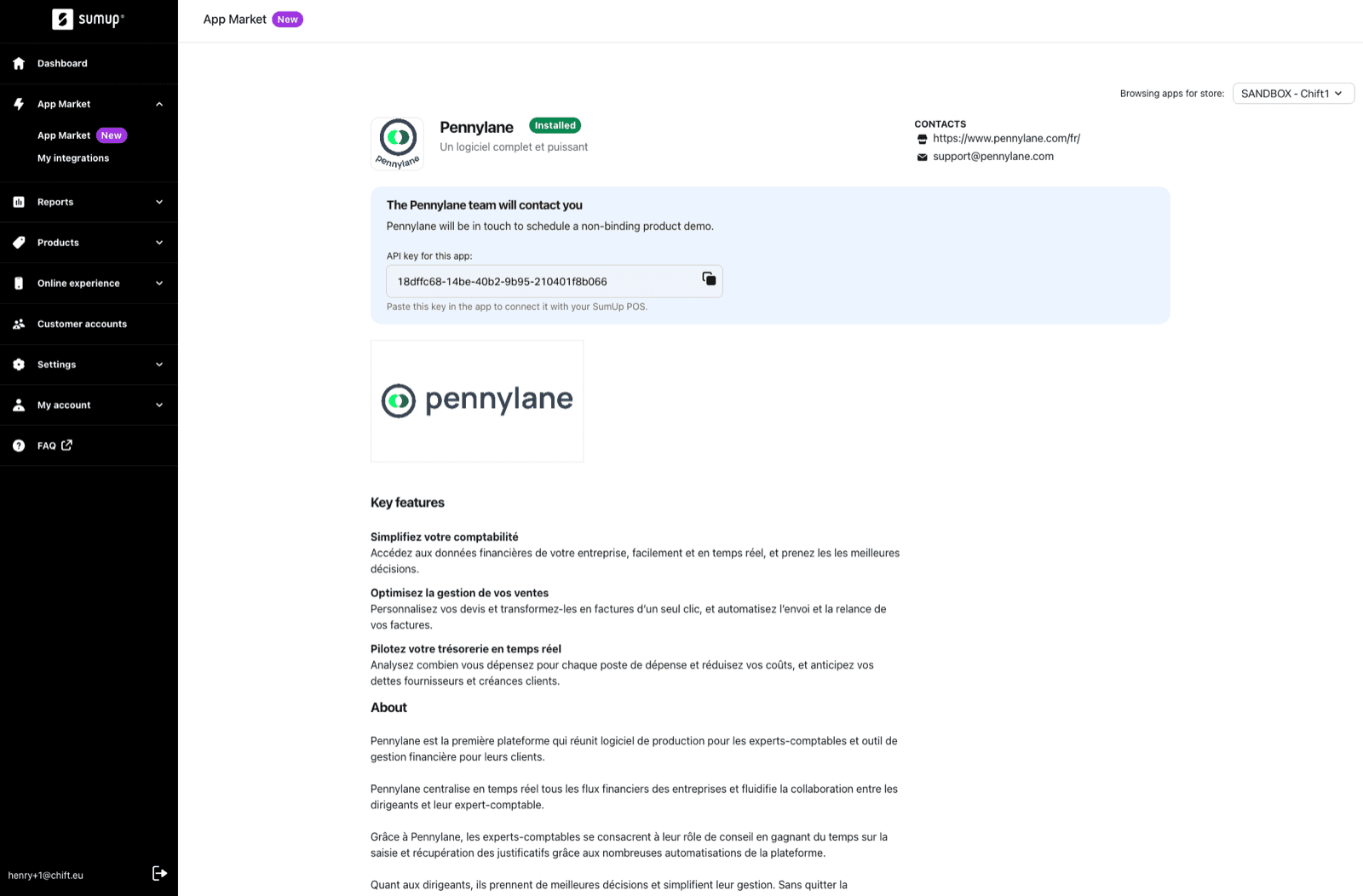
 * **Recopiez la clé API** qui s'est généré sur la page de l'application.
 # CONNEXION
**Étape 1:** Choisissez un nom pour votre connexion.
# CONNEXION
**Étape 1:** Choisissez un nom pour votre connexion.
 **Étape 2:** Entrer la clé API précédemment générer sur votre compte Tiller.
 **Étape 3:** Cliquez sur "Authoriser" pour finaliser la connexion.
