> ## Documentation Index
> Fetch the complete documentation index at: https://docs.chift.eu/llms.txt
> Use this file to discover all available pages before exploring further.
# Lightspeed
**⚠️ Nous supportons uniquement Lightspeed serie K.**
# CONNEXION
**Étape 1:** Choisissez un nom pour votre connexion.
 **Étape 2:** Cliquez sur le bouton "Autoriser" pour finaliser la connexion.
 # AUTHENTIFICATION
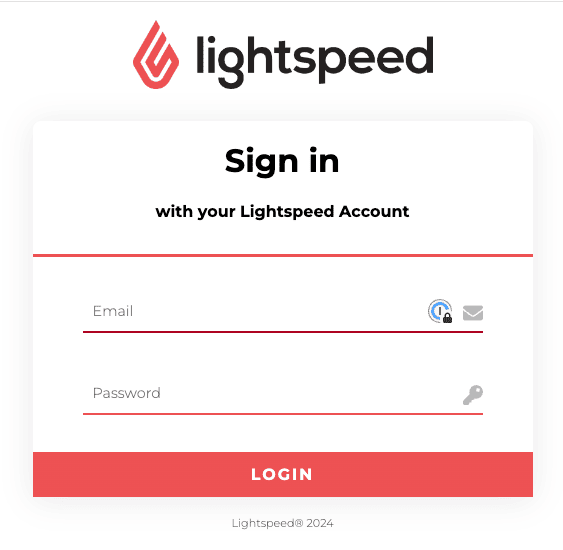
**Étape 1:** Renseignez votre e-mail et mot de passe Lightspeed pour établir la connexion. (attention de bien utiliser un compte "administrateur").
# AUTHENTIFICATION
**Étape 1:** Renseignez votre e-mail et mot de passe Lightspeed pour établir la connexion. (attention de bien utiliser un compte "administrateur").
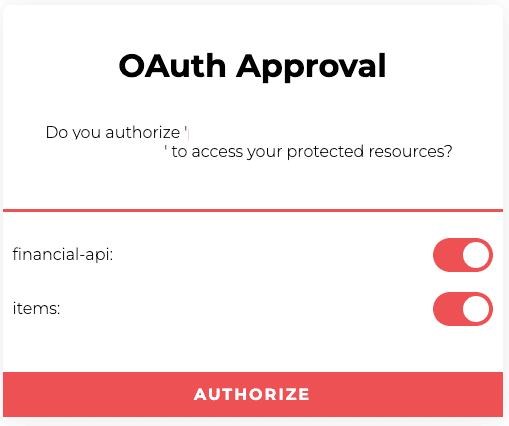
 **Étape 2:** Autorisez le partage de données pour finaliser la configuration de la connexion.