> ## Documentation Index
> Fetch the complete documentation index at: https://docs.chift.eu/llms.txt
> Use this file to discover all available pages before exploring further.

# Zoho Invoice

# PRÉREQUIS

L'application Zoho Invoice doit être activée sur votre compte.

## CONNEXION

**Étape 1:** Choisissez un nom pour votre connexion.

<img src="https://mintcdn.com/chift/OHquMAJ_z2bkGydq/images/help/zoho-invoice/zoho-invoice-fr-1.png?fit=max&auto=format&n=OHquMAJ_z2bkGydq&q=85&s=09ff607de1f0e298ab48cd699103bfc2" alt="" width="475" height="89" data-path="images/help/zoho-invoice/zoho-invoice-fr-1.png" />

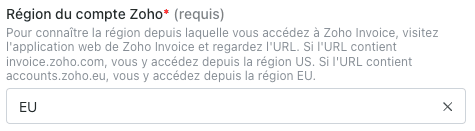
**Étape 2:** Renseignez la région de votre instance Zoho.
<img src="https://mintcdn.com/chift/OHquMAJ_z2bkGydq/images/help/zoho-invoice/zoho-invoice-fr-2.png?fit=max&auto=format&n=OHquMAJ_z2bkGydq&q=85&s=585d6fd024552690e40efbc8922c8ef6" alt="" width="475" height="131" data-path="images/help/zoho-invoice/zoho-invoice-fr-2.png" />

**Étape 3:** Cliquez sur "Autoriser" pour finaliser la connexion.
<img src="https://mintcdn.com/chift/OHquMAJ_z2bkGydq/images/help/zoho-invoice/zoho-invoice-fr-3.png?fit=max&auto=format&n=OHquMAJ_z2bkGydq&q=85&s=6a949ea1112da9e0080df3aeee4dfa0b" alt="" width="113" height="45" data-path="images/help/zoho-invoice/zoho-invoice-fr-3.png" />

# **AUTHENTIFICATION**

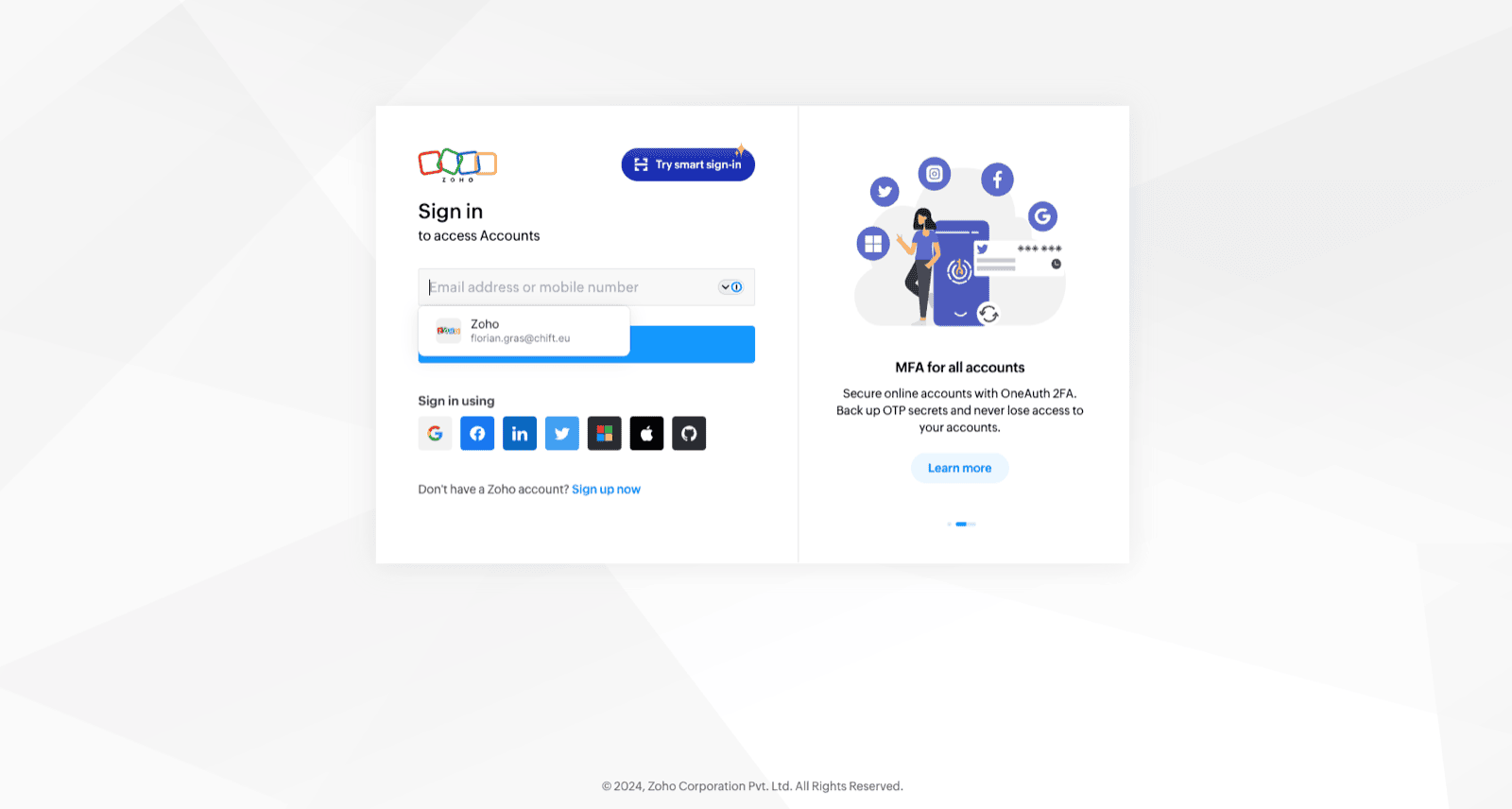
Vous serez rediriger sur une fenêtre Zoho afin de vous authentifier en toute sécurité.
<img src="https://mintcdn.com/chift/OHquMAJ_z2bkGydq/images/help/zoho-invoice/zoho-invoice-fr-4.png?fit=max&auto=format&n=OHquMAJ_z2bkGydq&q=85&s=ad6da8bc309f55984888f271ae18883b" alt="" width="1600" height="856" data-path="images/help/zoho-invoice/zoho-invoice-fr-4.png" />
