> ## Documentation Index
> Fetch the complete documentation index at: https://docs.chift.eu/llms.txt
> Use this file to discover all available pages before exploring further.
# Inqom
# CONNEXION
**Étape 1:** Choisissez un nom pour votre connexion.
 **Étape 2:** Cliquez sur "Connecter" pour finaliser la connexion.
 # **AUTHENTIFICATION**
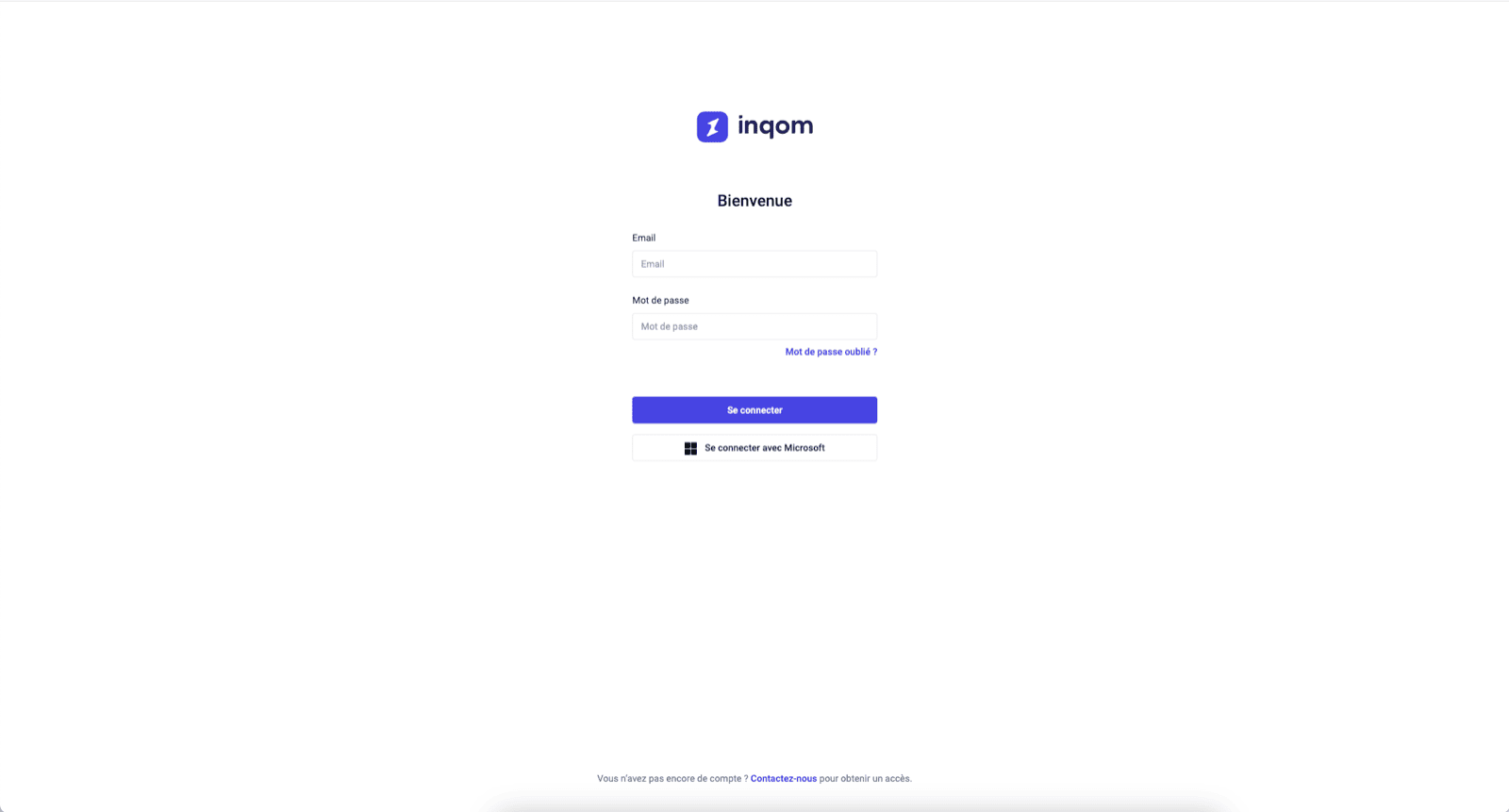
Vous serez rediriger sur une fenêtre Inqom afin de vous authentifier en toute sécurité.
# **AUTHENTIFICATION**
Vous serez rediriger sur une fenêtre Inqom afin de vous authentifier en toute sécurité.