> ## Documentation Index
> Fetch the complete documentation index at: https://docs.chift.eu/llms.txt
> Use this file to discover all available pages before exploring further.
# Tiime
# Connexion
**Étape 1 :** Choisissez un nom pour votre connexion.
 **Étape 2 :** Cliquez sur "Autoriser" pour finaliser la connexion.
 # Authentification
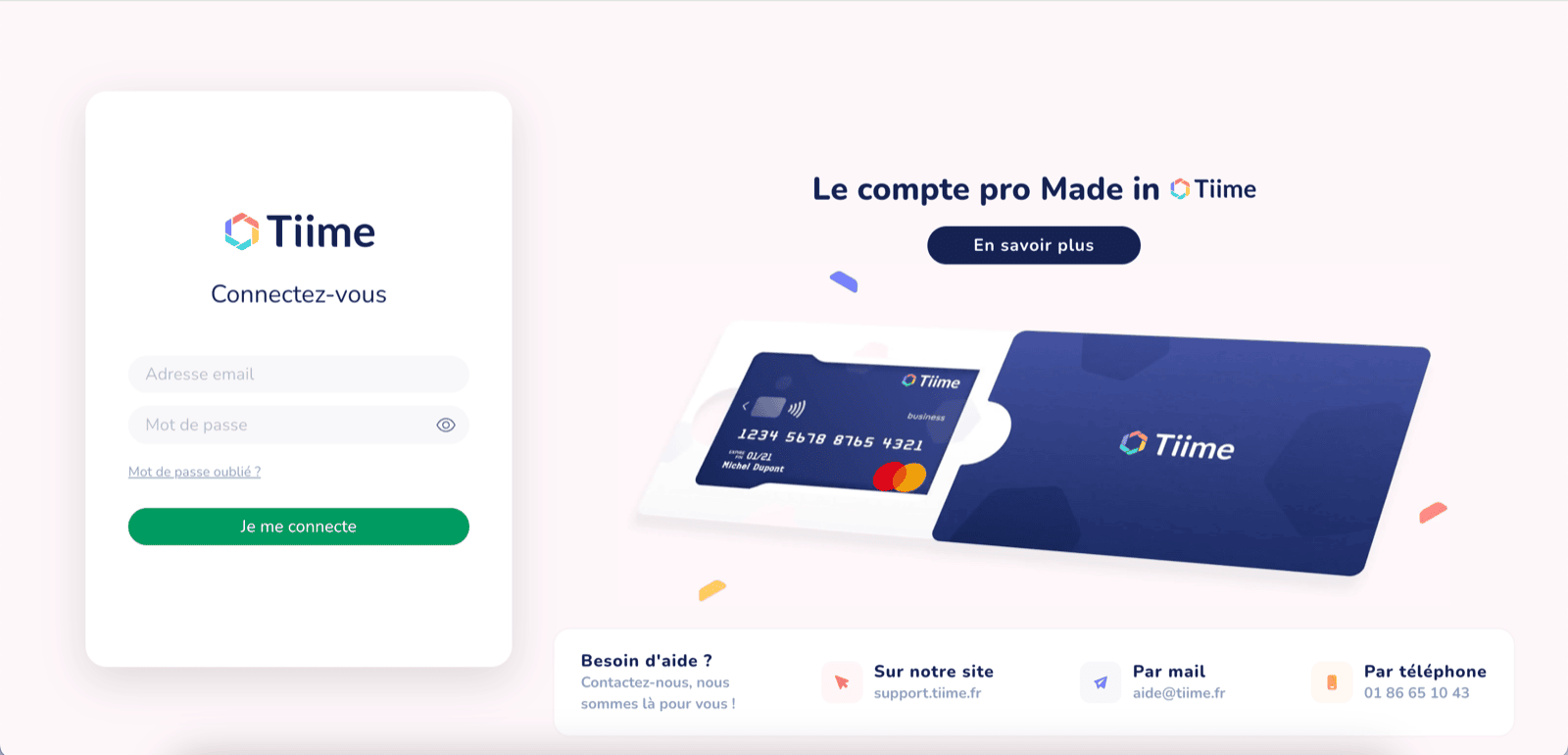
Vous serez redirigé vers une fenêtre Tiime afin de vous authentifier en toute sécurité.
# Authentification
Vous serez redirigé vers une fenêtre Tiime afin de vous authentifier en toute sécurité.
 # Configuration
Sur cette dernière étape, vous devez choisir le dossier comptable
# Configuration
Sur cette dernière étape, vous devez choisir le dossier comptable
 Cliquez sur "Valider" pour finaliser la connexion à Tiime.
 # Dépannage
Je ne vois pas les factures et écritures comptables importées dans Tiime
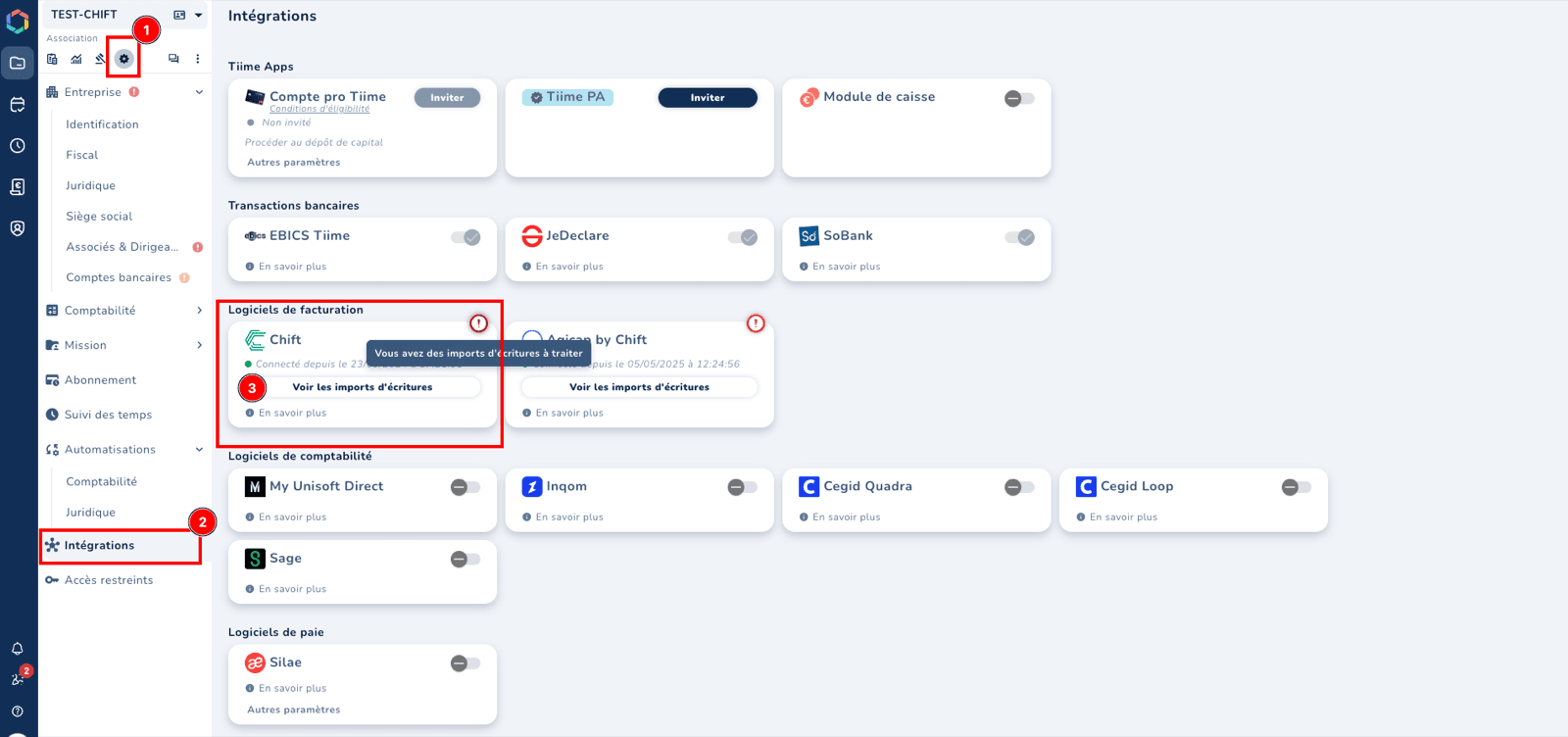
Vous pouvez retrouver vos imports dans la section "Paramètres --> Intégration", sur la tuile Chift.
Un point d’exclamation sur la tuile signifie que des données sont en attente de votre approbation.
# Dépannage
Je ne vois pas les factures et écritures comptables importées dans Tiime
Vous pouvez retrouver vos imports dans la section "Paramètres --> Intégration", sur la tuile Chift.
Un point d’exclamation sur la tuile signifie que des données sont en attente de votre approbation.