> ## Documentation Index
> Fetch the complete documentation index at: https://docs.chift.eu/llms.txt
> Use this file to discover all available pages before exploring further.

# Inqom

# Connexion

**Étape 1:** Choisissez un nom pour votre connexion.

<img src="https://mintcdn.com/chift/ZesGAZ6_2X6KlqGn/images/help/inqom/inqom-fr-1.png?fit=max&auto=format&n=ZesGAZ6_2X6KlqGn&q=85&s=bb8ca8b3f022409bebe28ce105c0910b" className="mx-auto" style={{ width: "70%" }} width="748" height="144" data-path="images/help/inqom/inqom-fr-1.png" />

**Étape 2:** Cliquez sur "Connecter" pour finaliser la connexion.

<img src="https://mintcdn.com/chift/ZesGAZ6_2X6KlqGn/images/help/inqom/inqom-fr-2.png?fit=max&auto=format&n=ZesGAZ6_2X6KlqGn&q=85&s=5a0f6985804b35a65a103c701cc94f4d" className="mx-auto" style={{ width: "20%" }} width="186" height="77" data-path="images/help/inqom/inqom-fr-2.png" />

# Authentification

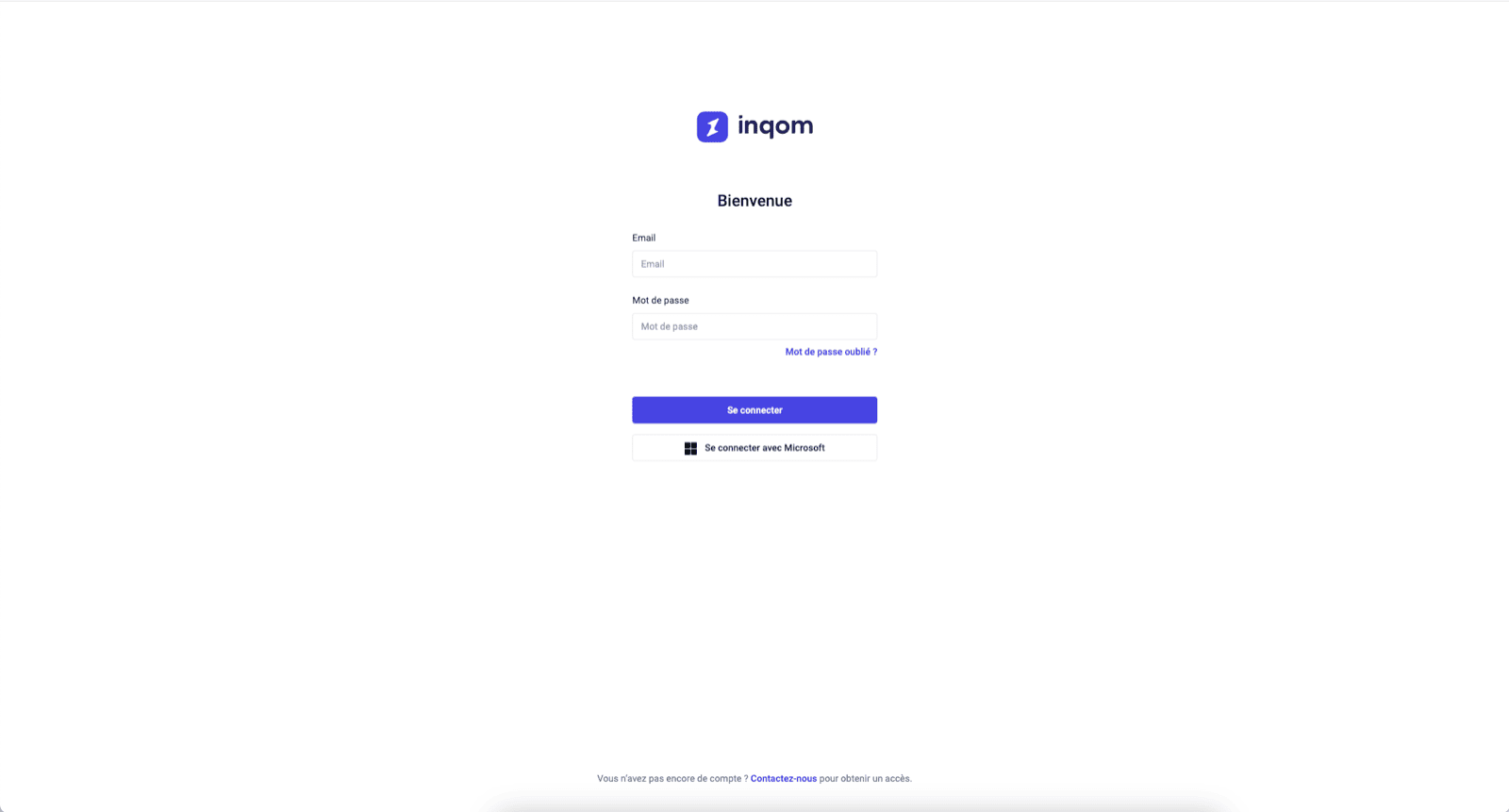
Vous serez redirigé vers une fenêtre Inqom afin de vous authentifier en toute sécurité.
<img src="https://mintcdn.com/chift/ZesGAZ6_2X6KlqGn/images/help/inqom/inqom-fr-3.png?fit=max&auto=format&n=ZesGAZ6_2X6KlqGn&q=85&s=2dfecbe4e1adf5b2a6bb0b527c548aee" className="mx-auto" width="1600" height="861" data-path="images/help/inqom/inqom-fr-3.png" />
