> ## Documentation Index
> Fetch the complete documentation index at: https://docs.chift.eu/llms.txt
> Use this file to discover all available pages before exploring further.
# Hyperline
# REQUISITOS PREVIOS
Si se te solicita una clave de API, genérala tal como se indica: [https://docs.hyperline.co/api-reference/docs/authentication#how-to-generate-an-api-key](https://docs.hyperline.co/api-reference/docs/authentication#how-to-generate-an-api-key)
Si no es el caso, no tienes que hacer nada.
# CONEXIÓN
**Paso 1:** Elige un nombre para tu conexión.
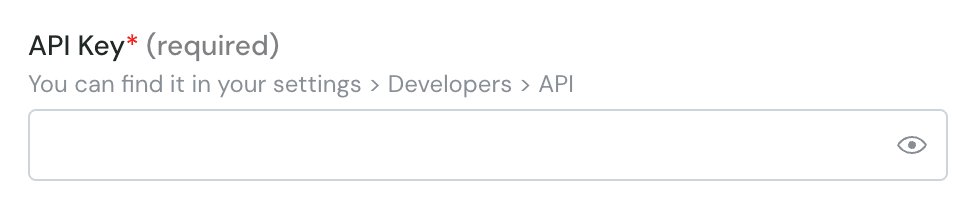
 **Paso 2:** Introduce la clave de API (opcional) - Esto no siempre se solicita
 **Paso 3**: Haz clic en "Connect" o "Authorise"