> ## Documentation Index
> Fetch the complete documentation index at: https://docs.chift.eu/llms.txt
> Use this file to discover all available pages before exploring further.
# Hubspot
# CONEXIÓN
**Paso 1:** Elige un nombre para tu conexión.
 **Paso 2:** Haz clic en «Autorizar» para finalizar la conexión.
 # AUTORIZACIÓN
Deberás iniciar sesión en tu cuenta de Hubspot y conceder los permisos necesarios para permitir el intercambio de datos con Hubspot.
**Paso 1:** Inicia sesión en tu cuenta.
# AUTORIZACIÓN
Deberás iniciar sesión en tu cuenta de Hubspot y conceder los permisos necesarios para permitir el intercambio de datos con Hubspot.
**Paso 1:** Inicia sesión en tu cuenta.
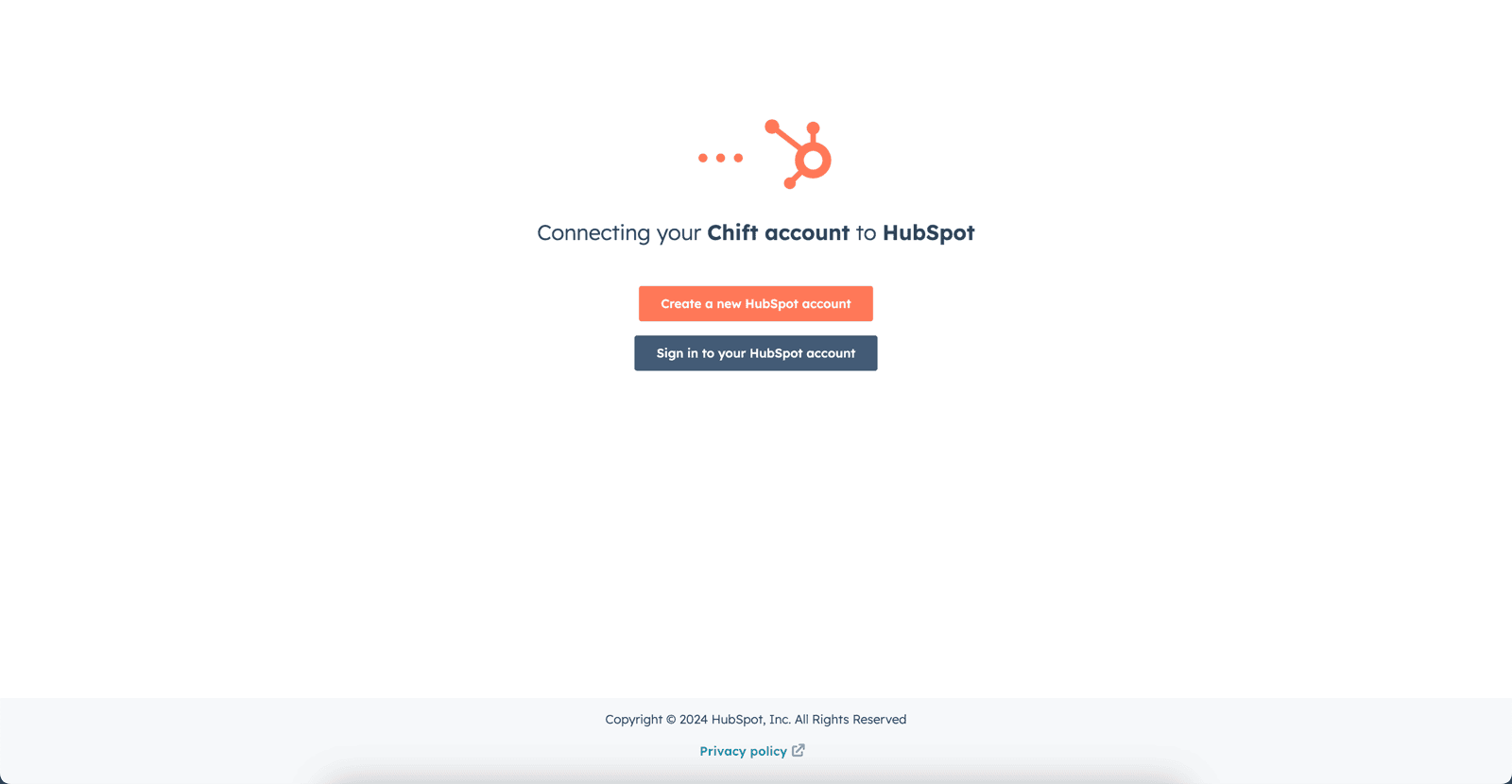 **Paso 2:** Selecciona la cuenta de Hubspot que deseas conectar.
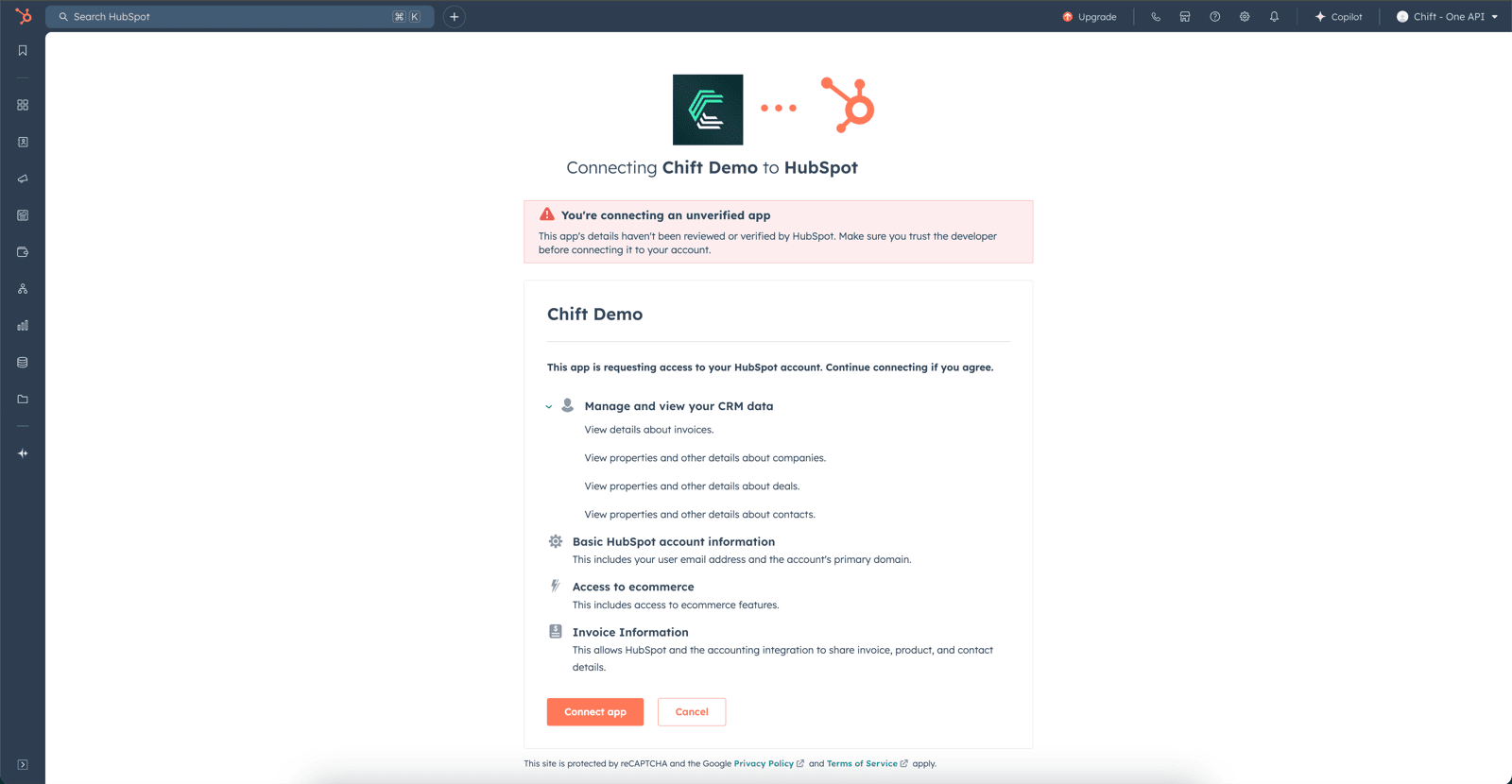
 **Paso 3:** Autoriza el intercambio de datos con tu cuenta de Hubspot.
 # ERRORES FRECUENTES
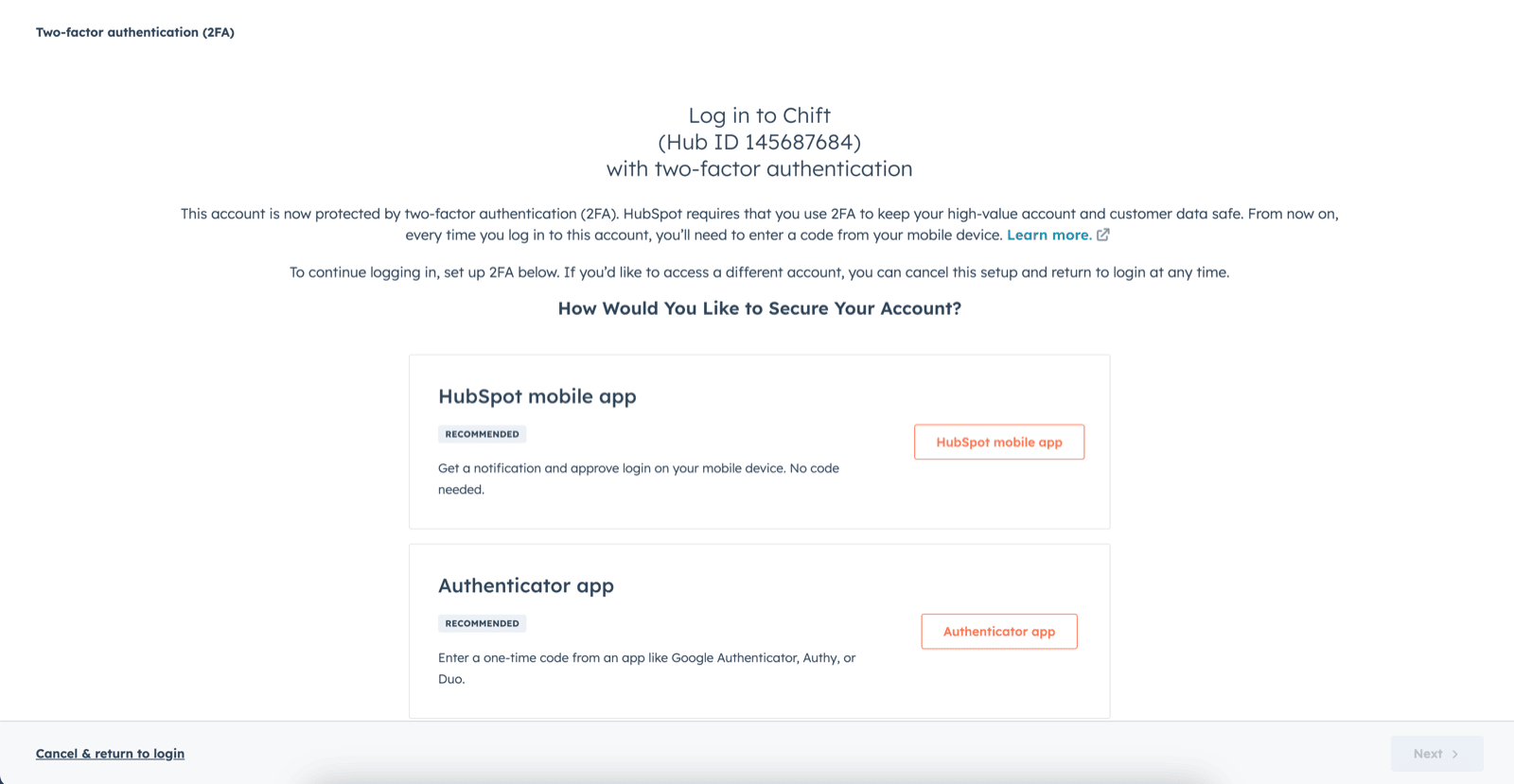
1. En caso de error de permisos: «No se ha podido completar la conexión debido a los permisos». Deberás ir a la configuración de tu cuenta para activar la autenticación de dos factores.
# ERRORES FRECUENTES
1. En caso de error de permisos: «No se ha podido completar la conexión debido a los permisos». Deberás ir a la configuración de tu cuenta para activar la autenticación de dos factores.
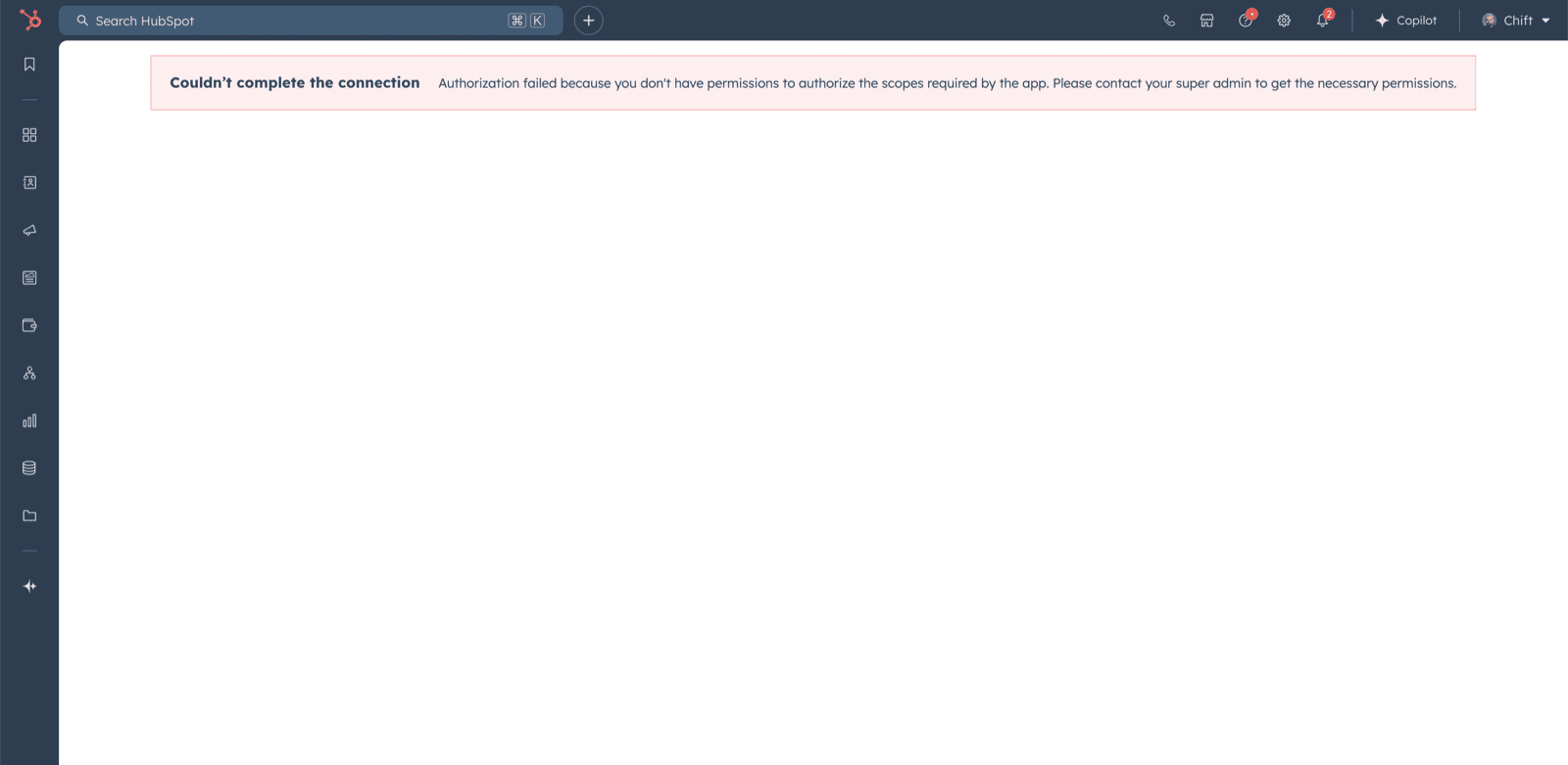 Para activar la autenticación de dos factores, debes acceder a la cuenta de Hubspot y tener los derechos de acceso a los scopes:
* oauth
* accounting
* e-commerce
* crm.objects.companies.read
* crm.objects.deals.read
* crm.objects.invoices.read
* crm.objects.contacts.read
Para activar la autenticación de dos factores, debes acceder a la cuenta de Hubspot y tener los derechos de acceso a los scopes:
* oauth
* accounting
* e-commerce
* crm.objects.companies.read
* crm.objects.deals.read
* crm.objects.invoices.read
* crm.objects.contacts.read