> ## Documentation Index
> Fetch the complete documentation index at: https://docs.chift.eu/llms.txt
> Use this file to discover all available pages before exploring further.
# Managing tickets
You can track and manage all support tickets across your consumers. There are two main views:
### A. Consumer-level tickets
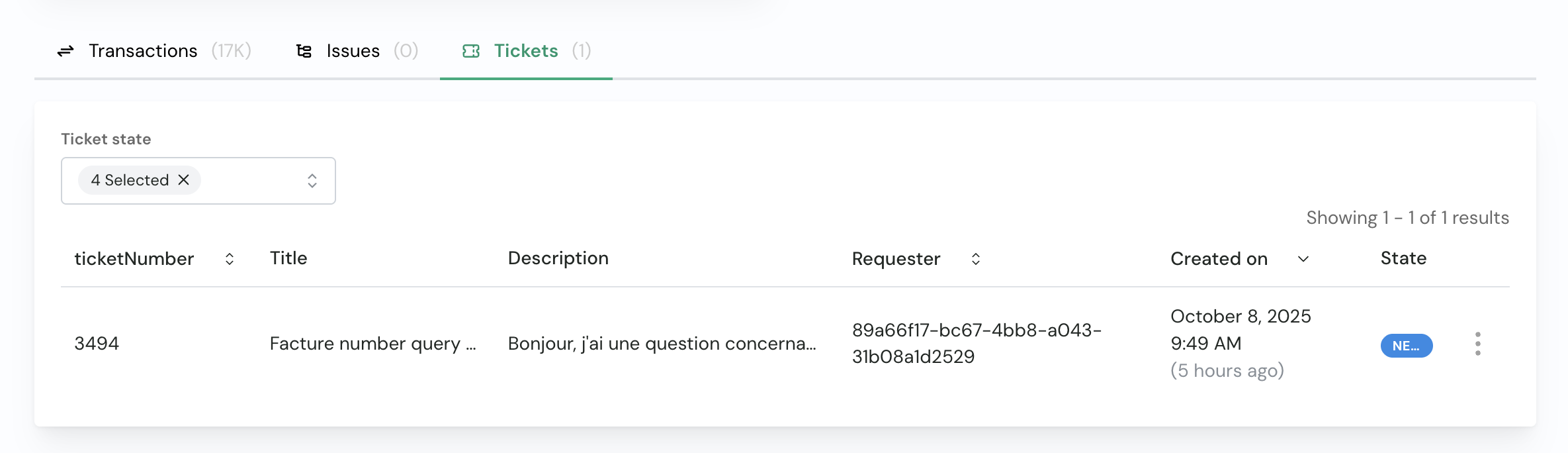 Each consumer has a dedicated **Tickets** tab showing all tickets related to that specific consumer. This view helps you:
* Quickly find tickets for that consumer
* Track the status of open or resolved tickets
* Follow up on ongoing issues
> 💡 **Tip:** Reporting a bug from the consumer page ensures that relevant context is automatically included in the ticket, helping support resolve the issue faster.
### B. Full account view (Pylon)
Each consumer has a dedicated **Tickets** tab showing all tickets related to that specific consumer. This view helps you:
* Quickly find tickets for that consumer
* Track the status of open or resolved tickets
* Follow up on ongoing issues
> 💡 **Tip:** Reporting a bug from the consumer page ensures that relevant context is automatically included in the ticket, helping support resolve the issue faster.
### B. Full account view (Pylon)
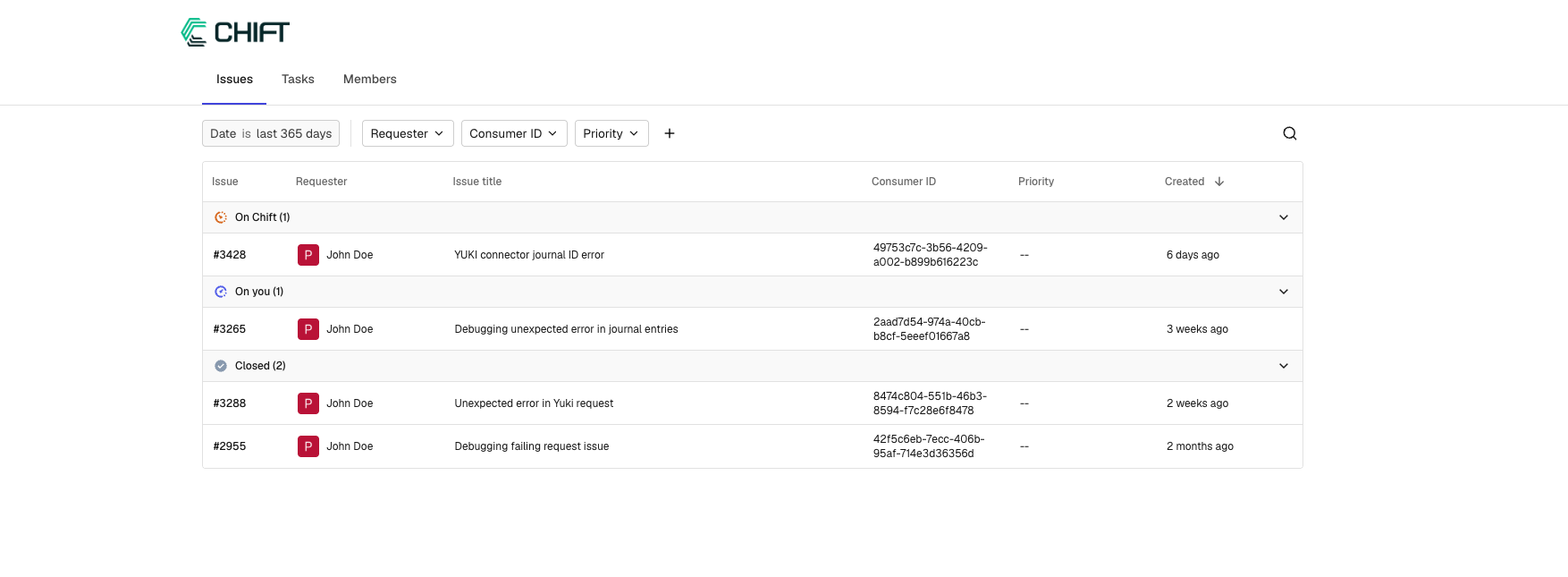 You can also directly access the ticketing platform ([Pylon](https://support.chift.app)) for a centralized overview of all tickets across your account. The full ticket portal allows you to:
* View all tickets in one place
* Filter tickets by **status**
* Sort tickets by different criteria
* Access detailed ticket history and communication
This centralized system helps you and your team keep track of all support interactions, ensuring nothing gets lost and providing a clear audit trail of communications.
You can also directly access the ticketing platform ([Pylon](https://support.chift.app)) for a centralized overview of all tickets across your account. The full ticket portal allows you to:
* View all tickets in one place
* Filter tickets by **status**
* Sort tickets by different criteria
* Access detailed ticket history and communication
This centralized system helps you and your team keep track of all support interactions, ensuring nothing gets lost and providing a clear audit trail of communications.